 MobileManDan
Intro
Writing this review, the iPhone 17 has been on sale for about 10 months. While it’s a bit late, this gave Apple time to address any software issues in updates over the past couple of months and properly test the device rather than rushing to be among the first. This is especially important given the slow rollout of Apple Intelligence features but I was also able to install the iOS27 Beta which gave me the new and improved Siri.
Vodafone UK provided me with a loan device and a SIM card to test their network. Excitingly, where I live 5G has been rolled out using their new OpenRAN technology. This allowed me to test both the handset and the network in my area where 5G was quite widespread now and with the latest modem and network updates was able to give me a true example of what you can do with the device.
Of course network experience will depend area to area, it is also worth pointing out that no one else has had any input or any influence on any of this review.
All opinions are solely based on my experience with the device and no one has seen any of the content before it’s gone live. Everyone gets to see at the same time as it is purely my opinion and my thoughts on my time with the phone without any influence.
Design
iPhones rarely change their design language over the years. It seems they follow the “if it ain’t broke don’t fix it” philosophy, resulting in very few changes between older and newer models.
The front of the phone is all screen, as you’d expect with a 6.3-inch display boasting a 120Hz refresh rate. This makes it one of the best displays on the market, perfect for watching videos, playing games and browsing content.
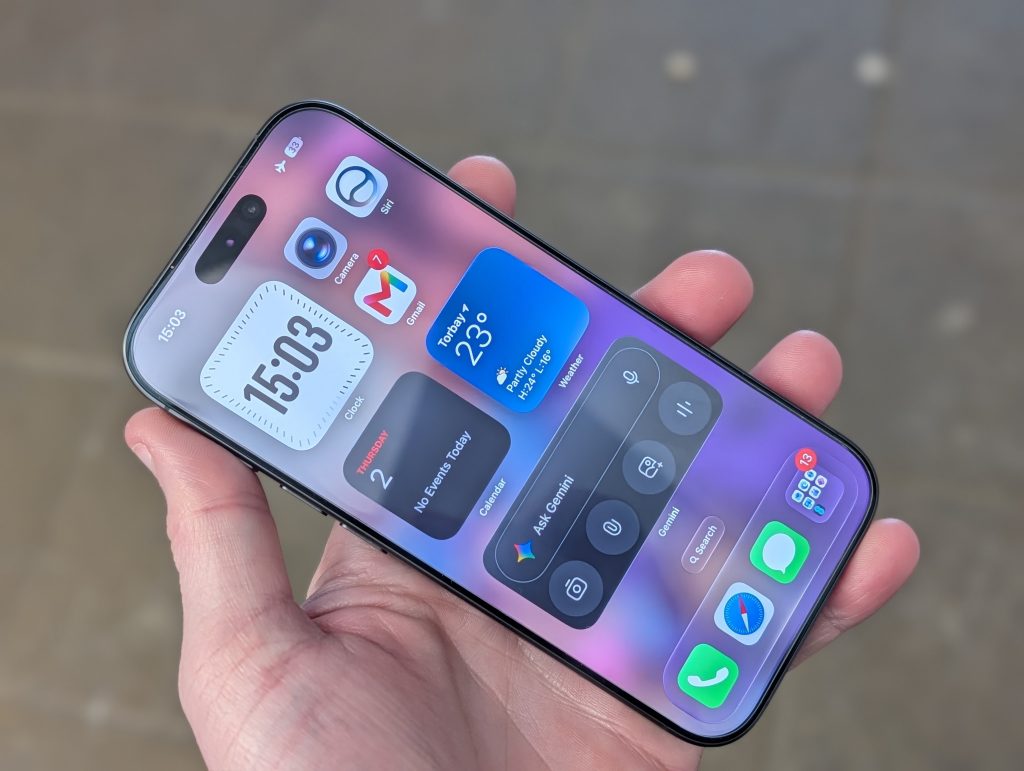
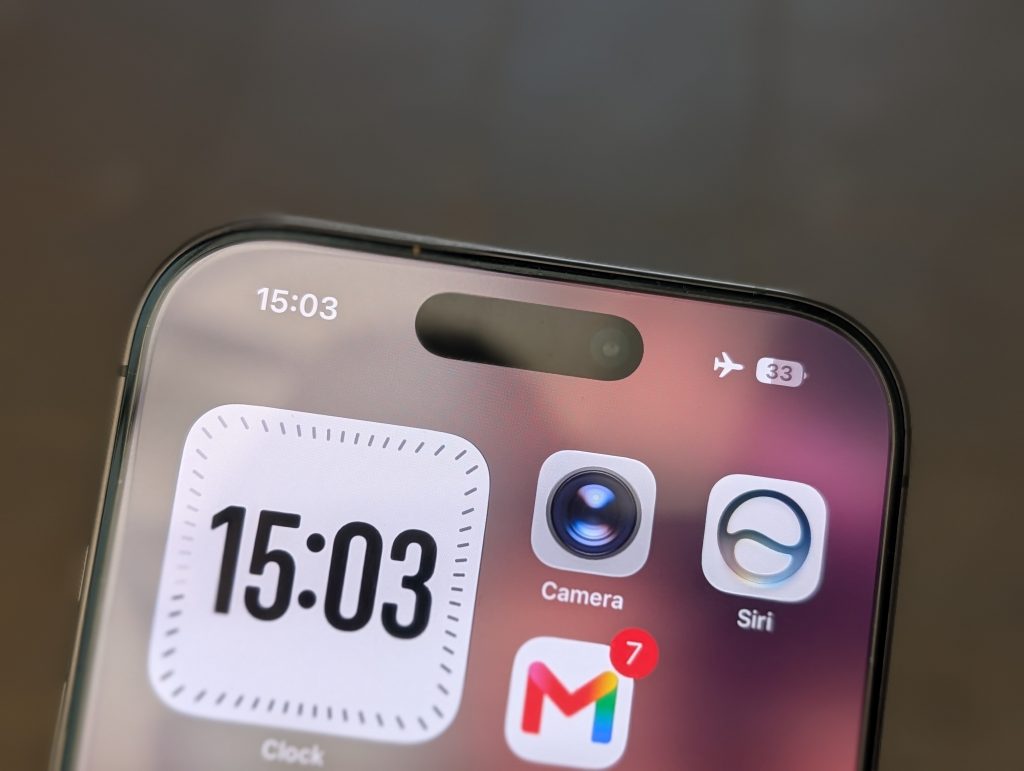
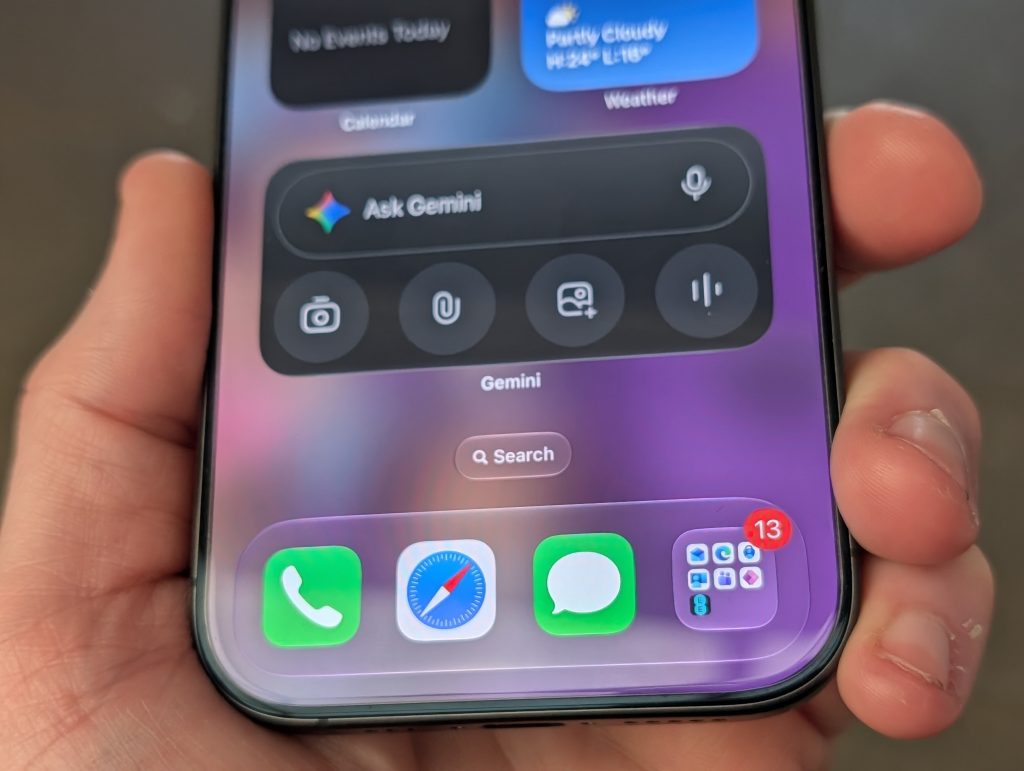
The dynamic island is technically a pill-shaped hole at the top housing the front-facing camera and face ID sensors. However, it’s also interactive and displays content, as shown in some of my screenshots.
The dynamic island allows you to do things such as tap on it to see what track is playing, to see your countdown timer, to track your Uber, as well as a lot of other options.
It does take a bit of getting used to, but once you embrace the dynamic island you actually find you use it more than you think you would and I much prefer this over the notch cut out which did nothing whatsoever so it is an improvement, but does take a little getting used to if you have come from an older iPhone that still had the notch cutout.
The actual display itself is fantastic. It offers bright colors, great contrast thanks to what Apple call their Super Retina XDR OLED display, for the techies out there it offers HDR10, Dolby Vision and has a typical brightness of 1000 nits which can go all the way up to 3000 nits if needed and is also protected by Ceramic Shield 2 which makes it super scratch resistant and less prone to breaking if you impact it.
This means you can use the phone outdoors with no problem whatsoever, It really is a fantastic display and using it outdoors even in the British summertime was great and really clear.
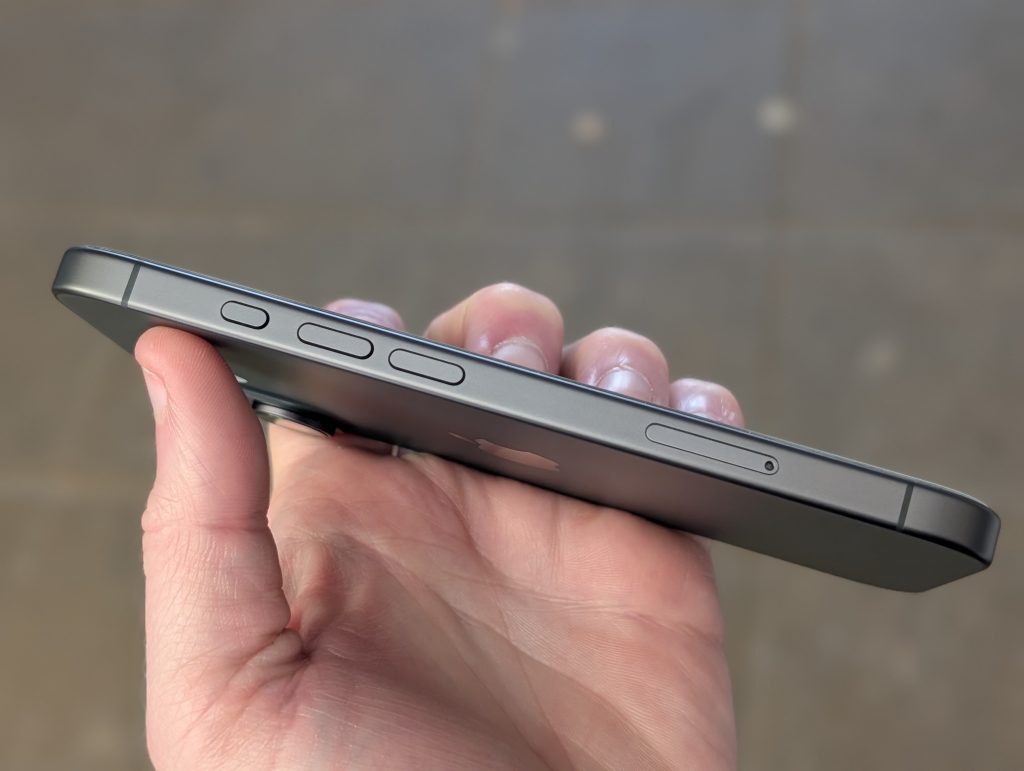
Looking at the left hand side of the phone, you have your Action Button up the top which lets you quickly switch different modes you can set, even make it load a custom shortcut you might have made within the Shortcuts app.
This button has been on a few iPhone models now and replaced the slider switch which only let you pick between silent mode and normal mode, it is definitely an improvement and more functional.
Below that you have the volume up and down keys and below that you have the SIM tray which lets you remove the single nano SIM, however, you do also have the option for eSIM if you want one built-in and to have a physical sim at the same time.
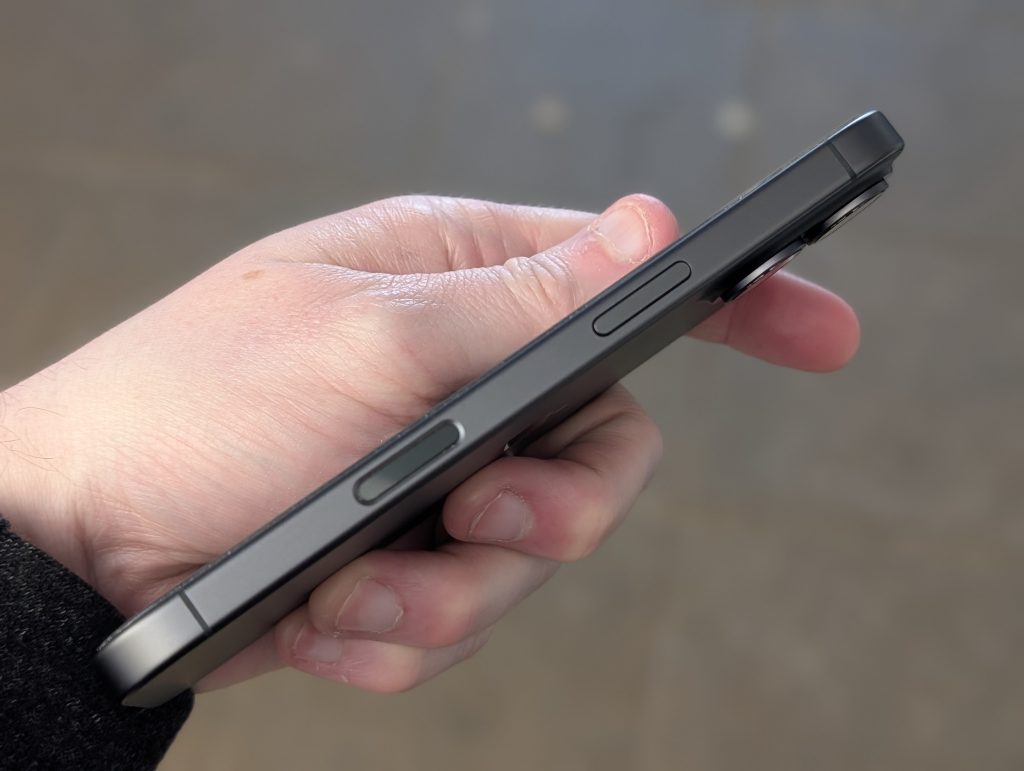
Over on the right side you have the power button which also loads Siri if you hold onto it, to turn the phone off you have to hold this button as well as the Volume Up like on some older iPhones.
A feature from the older iPhone 16 range is the Camera Control key. It’s a button that opens the camera when held. You can also slide your finger left and right to zoom in and out and a slight press switches between modes. How practical and useful this is will depend on the individual user. For example, I never used it and don’t think phones really need it. However, many manufacturers are adopting this feature so expect it to continue on future devices for a while.
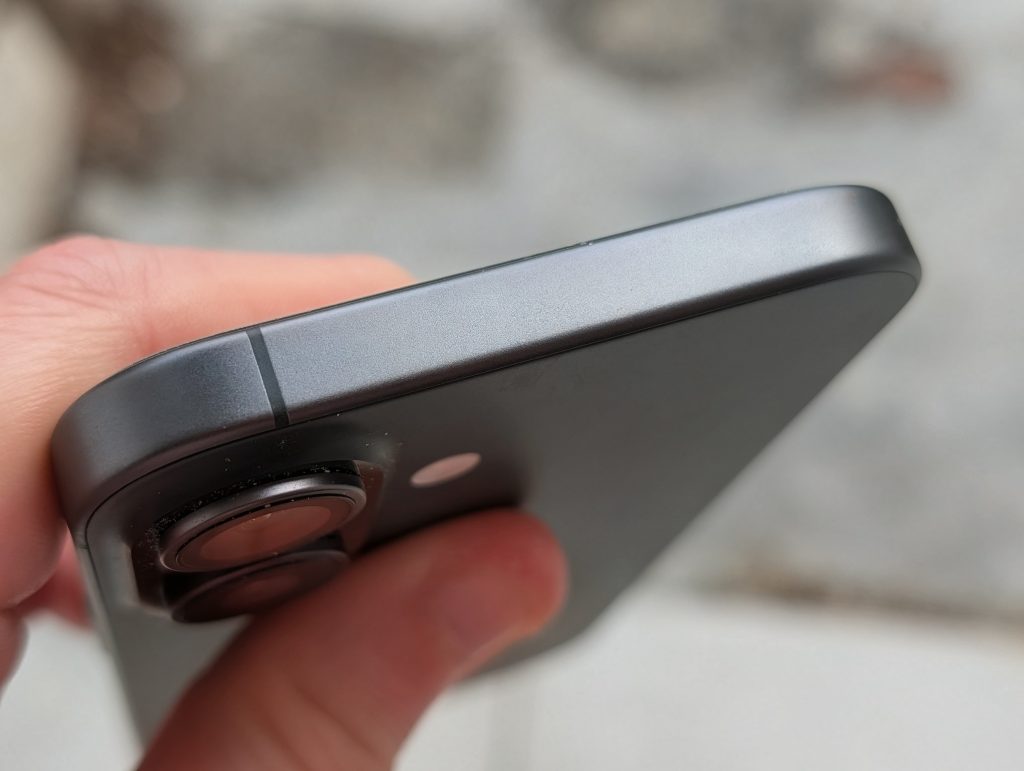
At the top there is nothing to see apart from a single antenna band. There are a few of these dotted around the phone which help improve reception in tricky places, but you’ve seen these on many iPhones in the past so it’s hardly anything new.
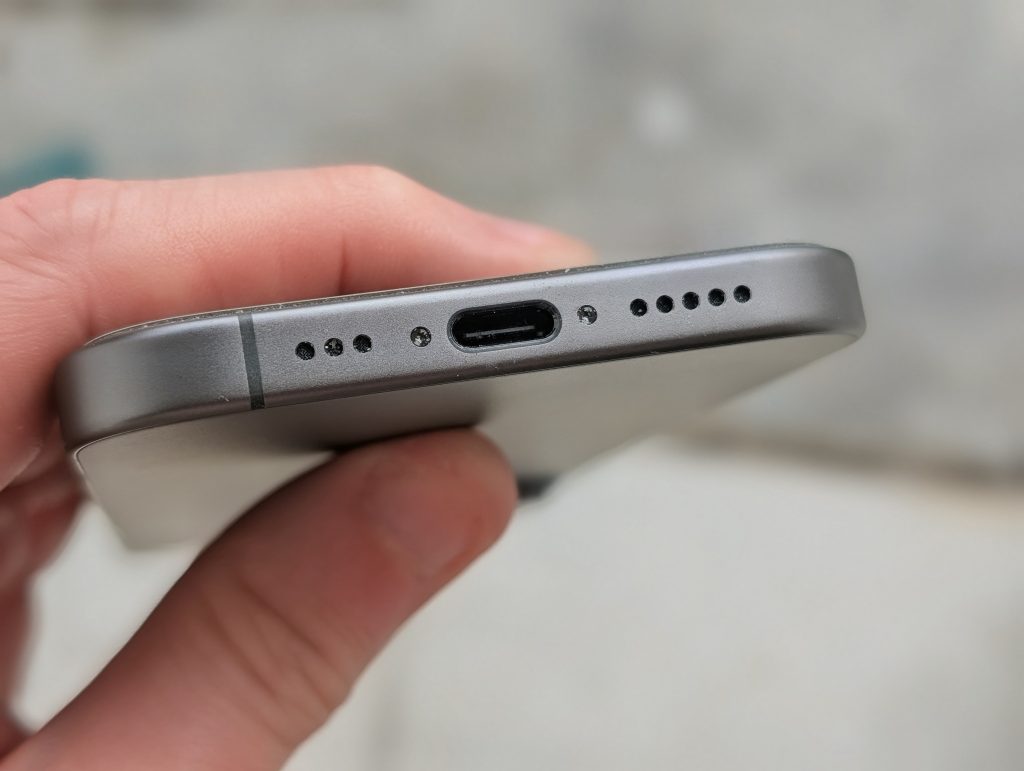
At the bottom, the speakerphone has a slight oddity. The drilled-out holes aren’t evenly spaced on either side. Considering the company’s attention to detail, I’d expect them to be identical. It’s just a minor nitpick.
In the middle you still have the USB C port which was introduced back with the iPhone 15 range and has now become the standard connection type for Apple thanks to a regulation needing it to replace the older Lightning port that the company used to use in it’s phones, thankfully they have used USB-C in iPhones since the 15, and also use this on their latest MacBook Neo, iPad and other devices which at least means one cable can charge all devices.
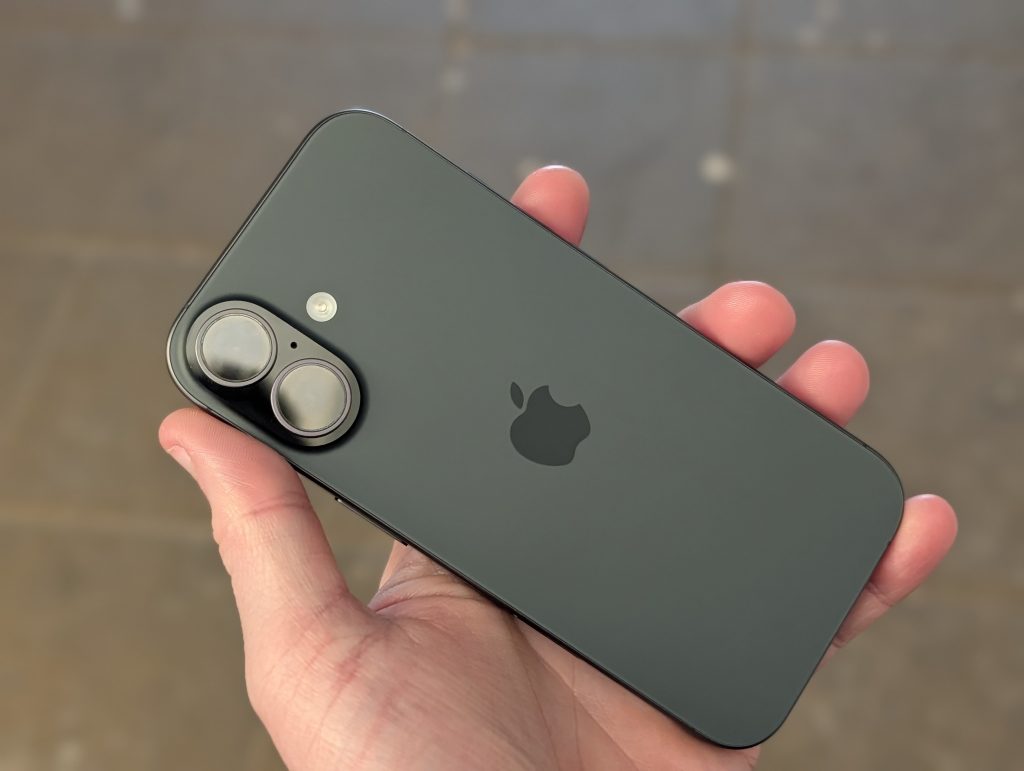
Over on the back you’ve got a nice smooth matte finish, as you can see by the pictures, something that has been on all iPhones for a while now and continues the same design language.
It looks great in the light and is one of my favorite finishes Apple have made on an iPhone, but of course color will be very subjective and you can go for a multiple choice of different colors.
The camera module is based up in the top left hand corner like on the previous model. and as this is the standard iPhone model you get two cameras to play around with, the Pro models are the ones that give you a third camera.
The main one of these sensors offers 48 megapixels which is the same as you get in the new ultra wide also offering 48 megapixels, whilst not including a dedicated telephoto camera which is reserved for the more expensive Pro model, you can get some decent zoom shots from the camera which will be shown later on in the review.
There is also an LED flash next to the cameras and this is also to be used as a flashlight if you like in settings, something I have found very handy many times especially in the evenings or night time.
The only other thing on the back is the traditional shiny apple logo which does stand out and just adds to that distinctive look of an iPhone.
Software
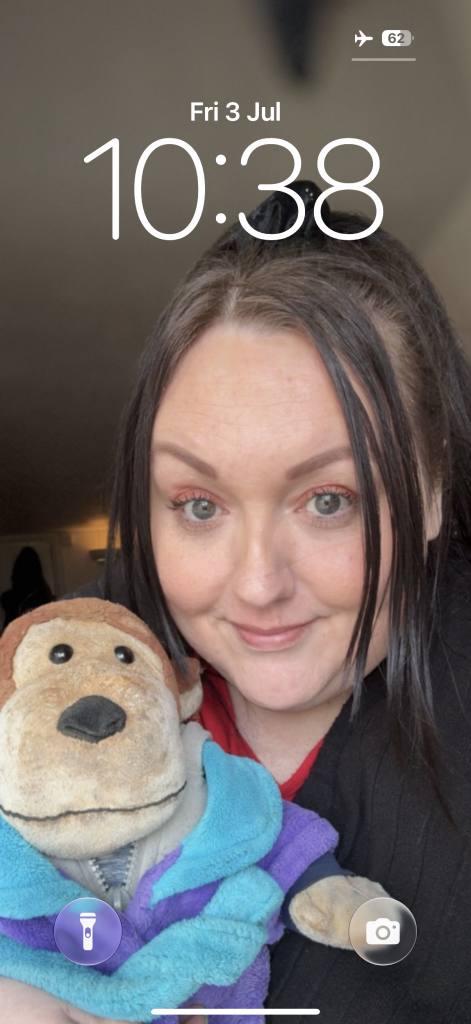
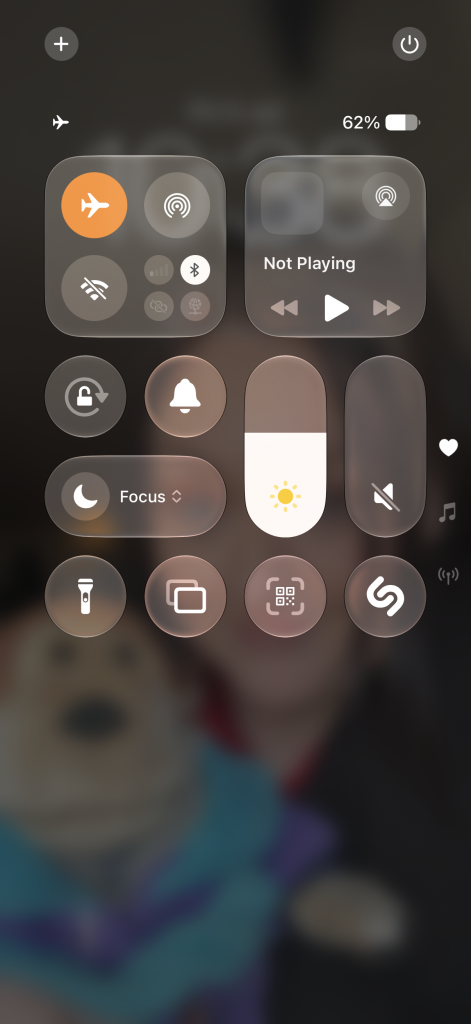
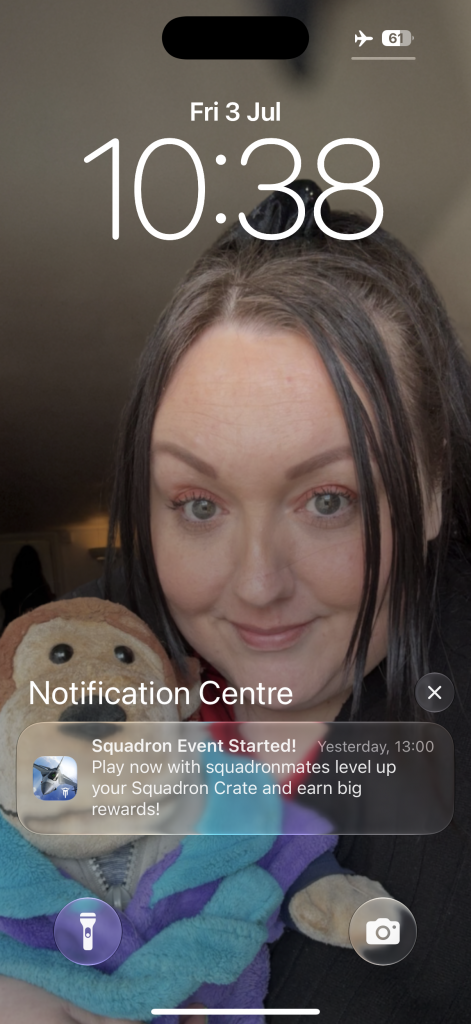



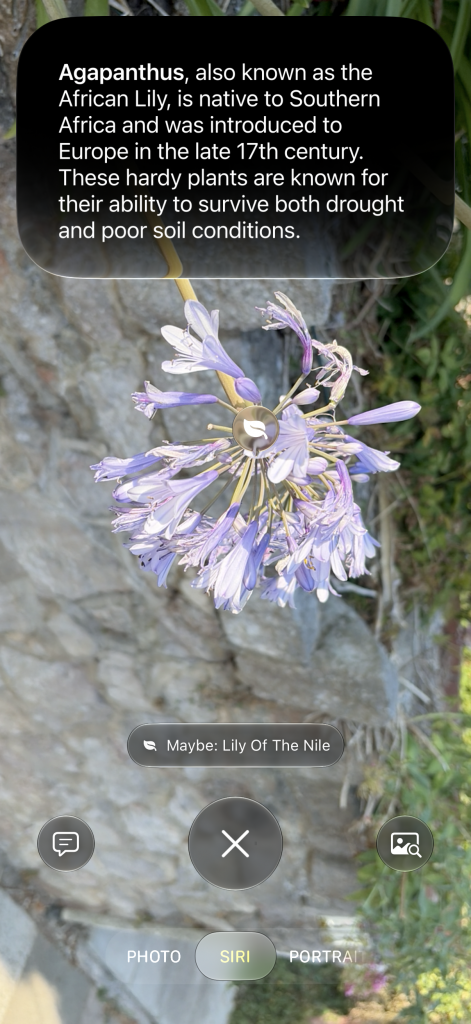
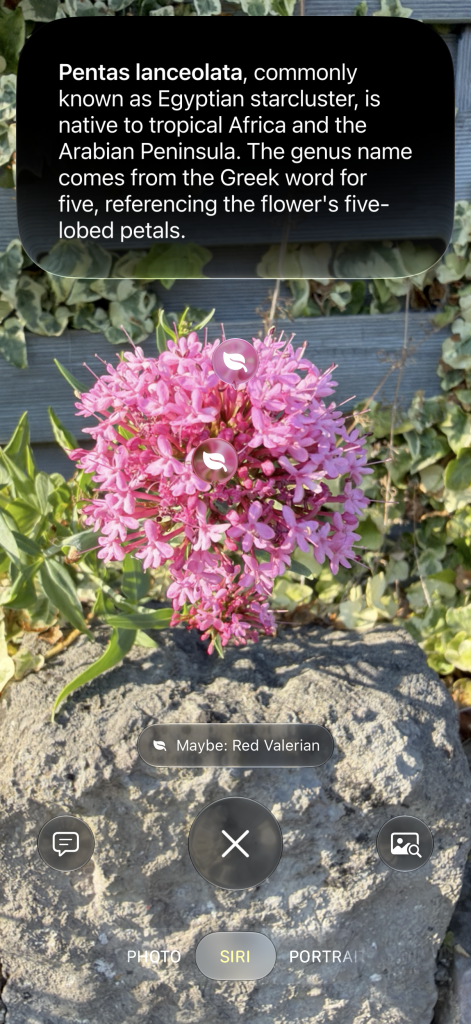

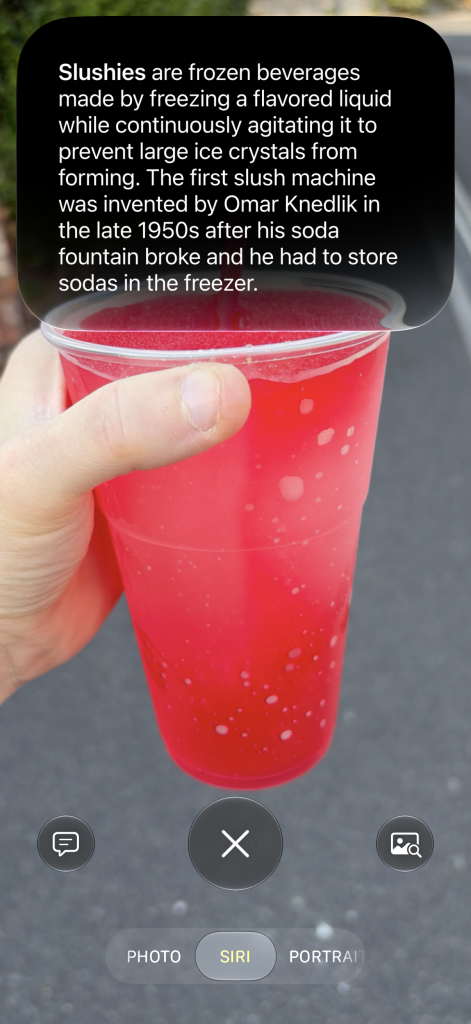
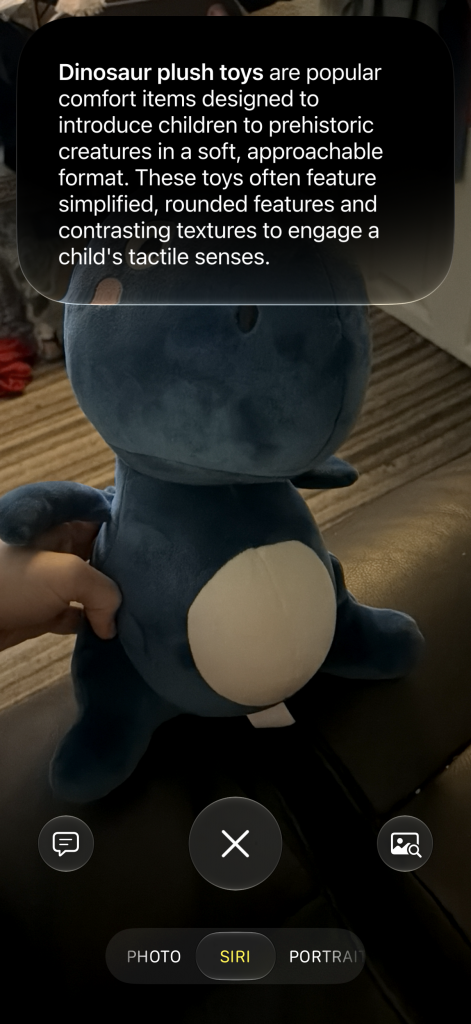
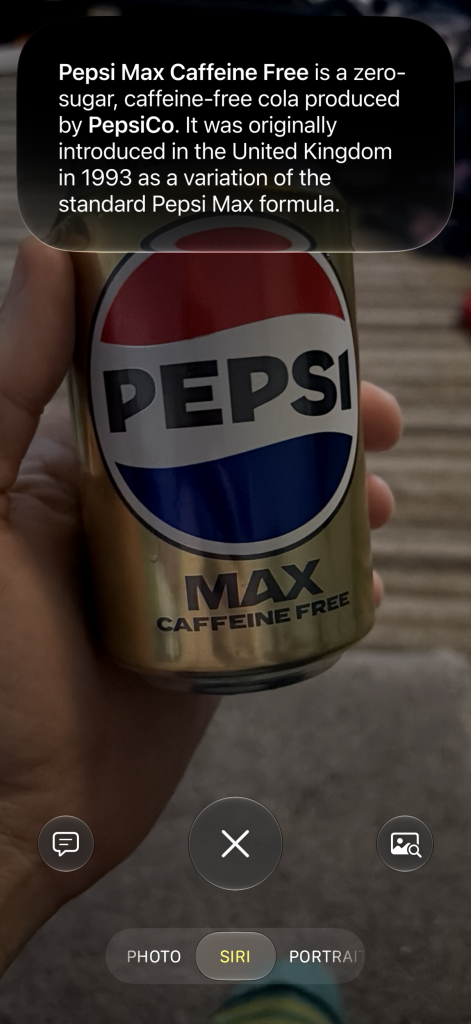
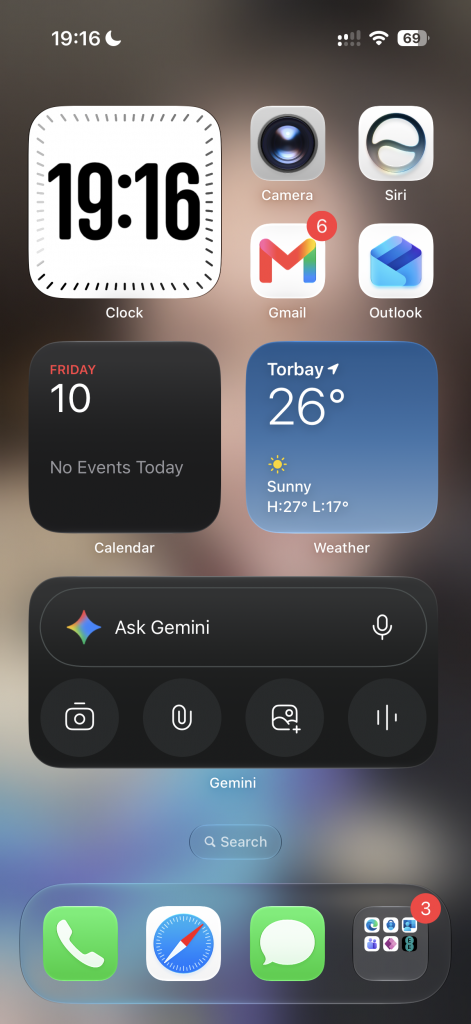
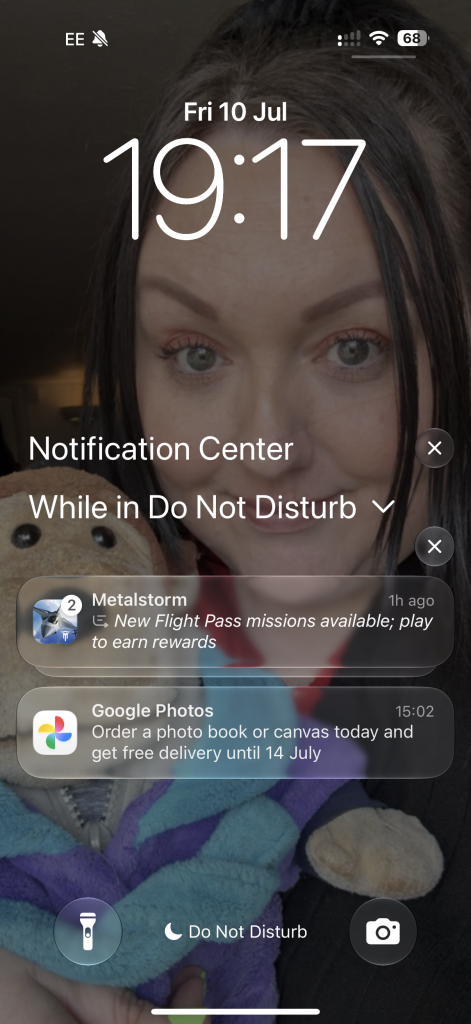
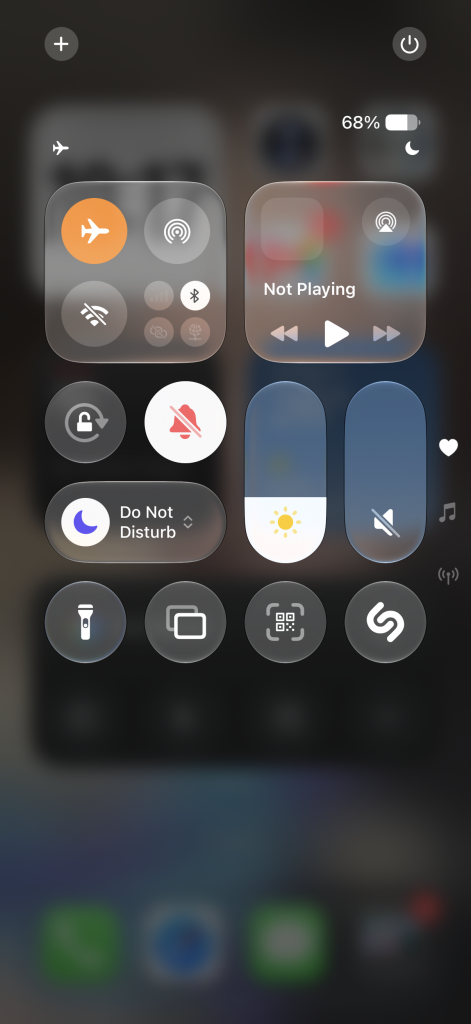
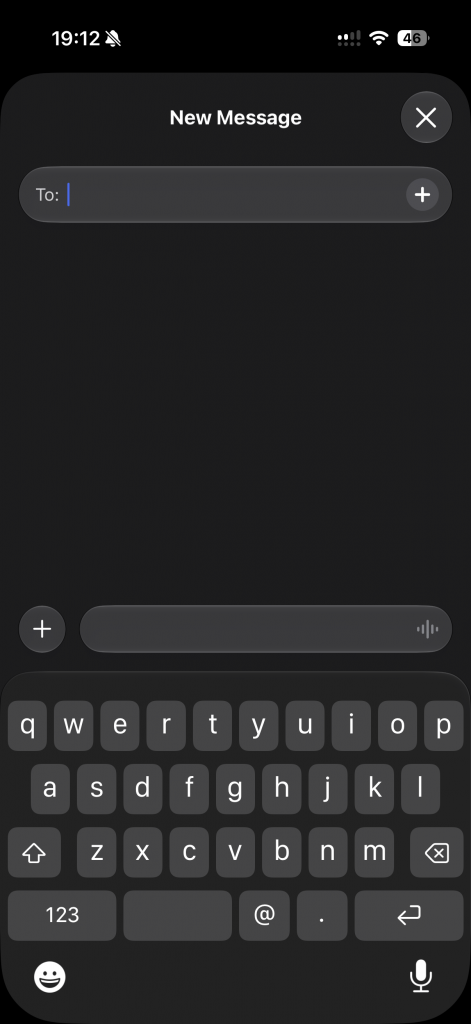
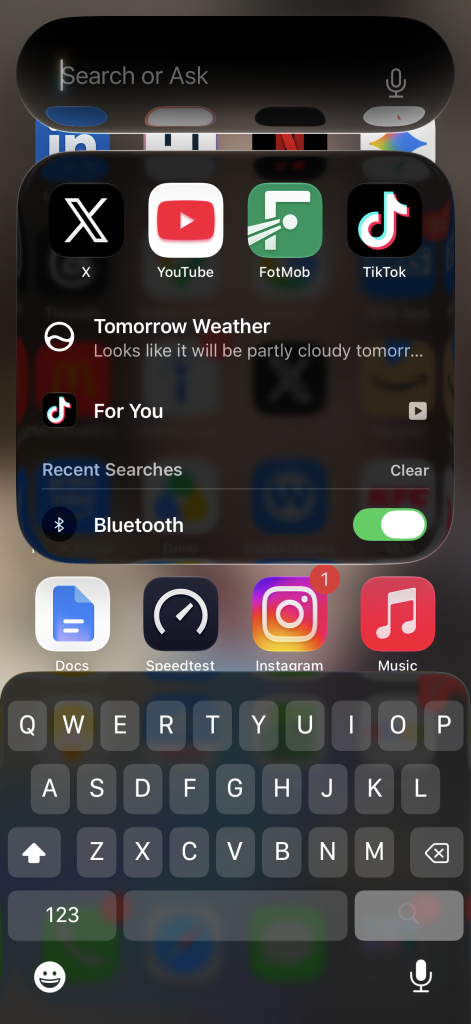
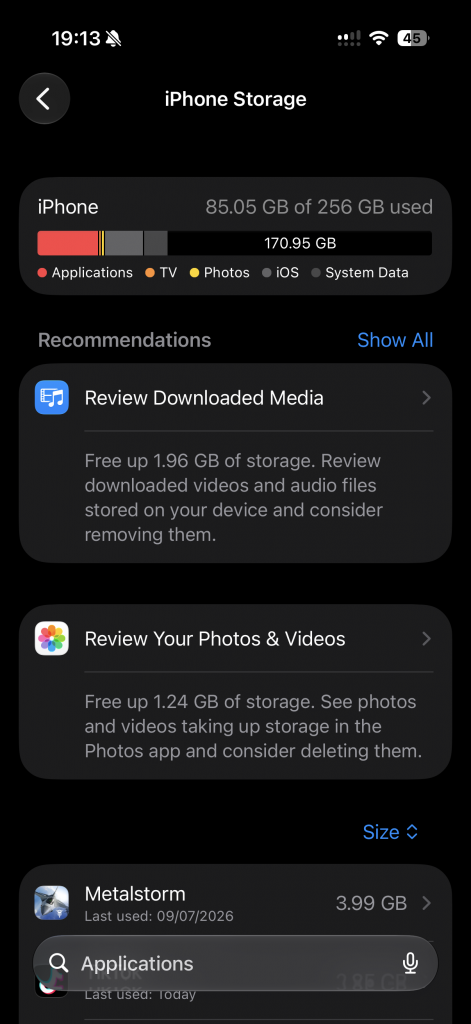
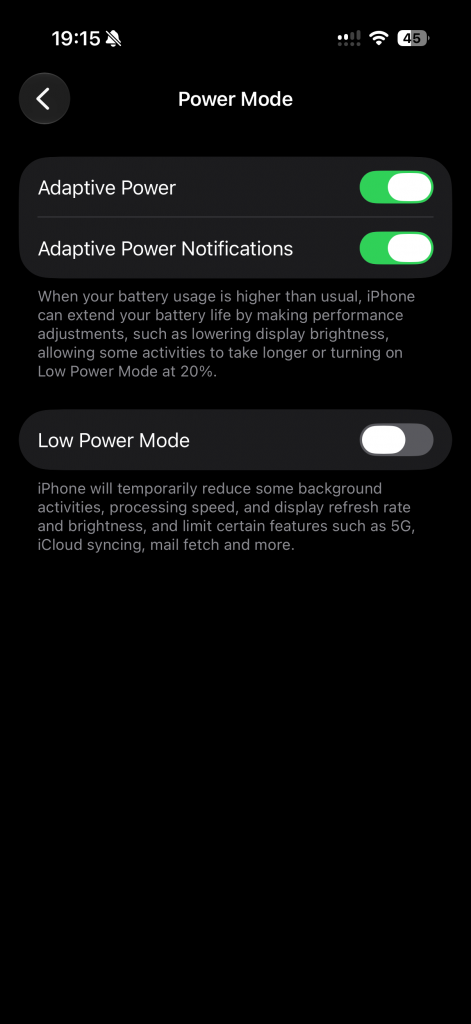
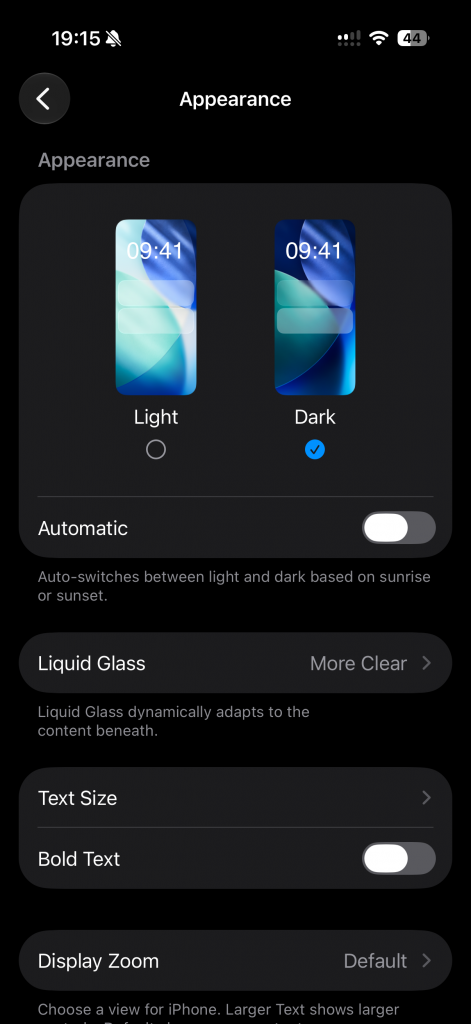
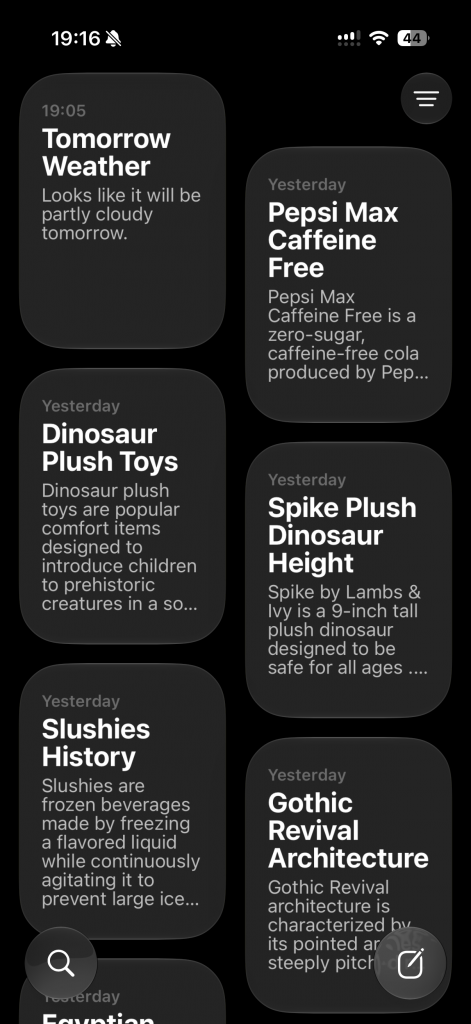
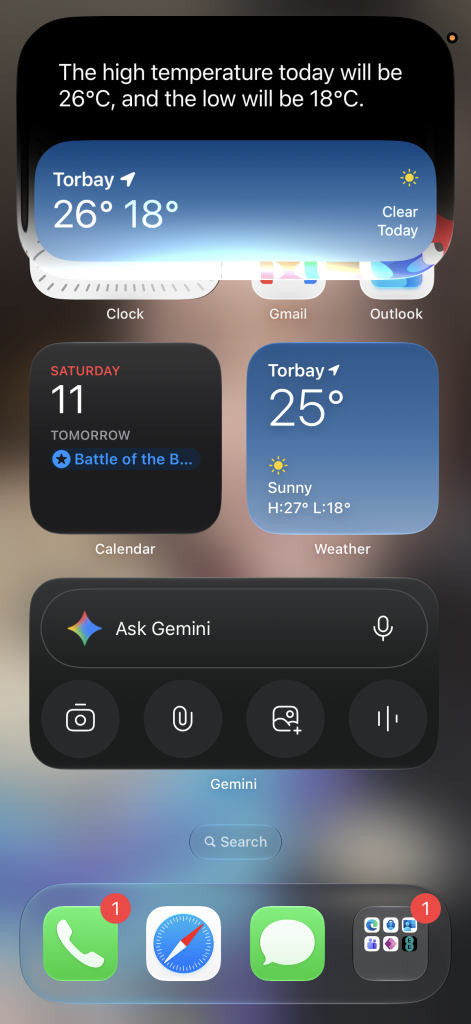
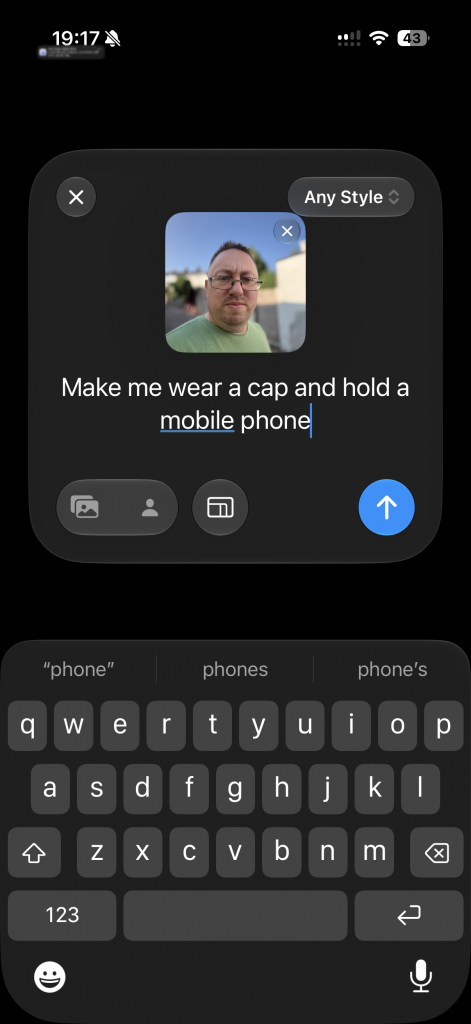

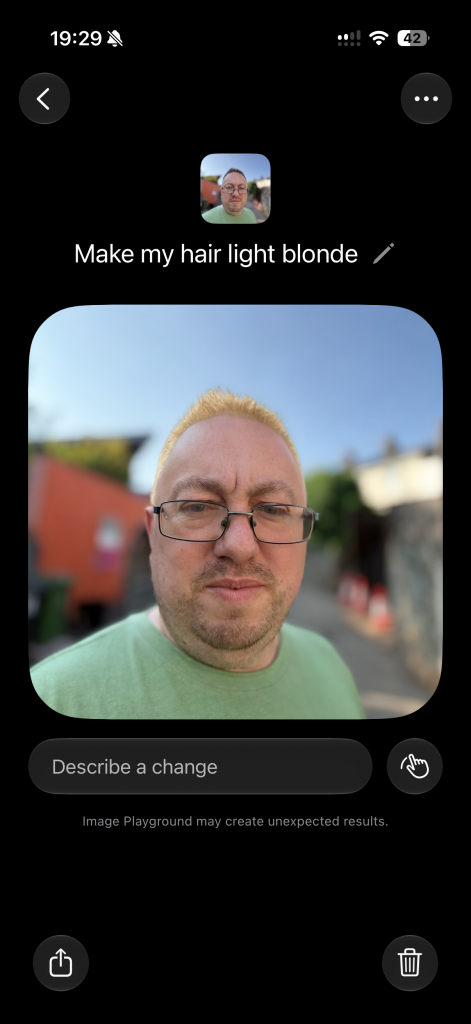
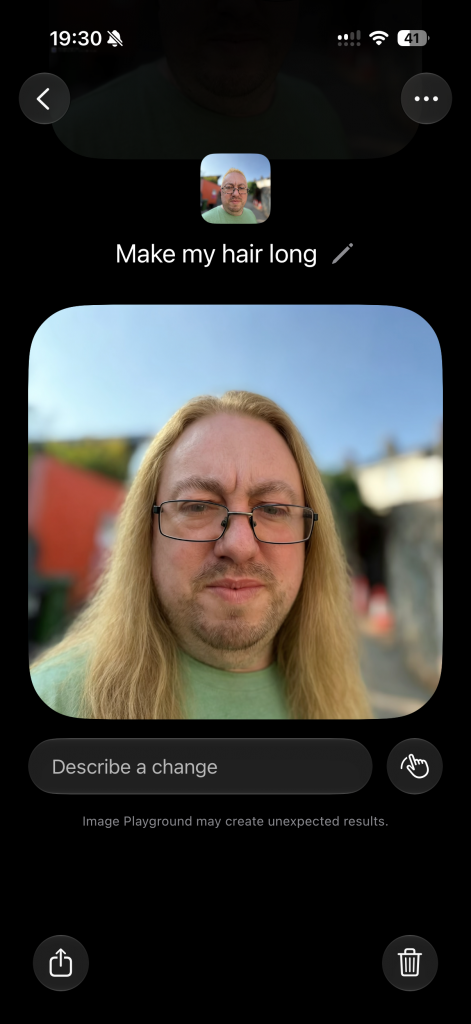
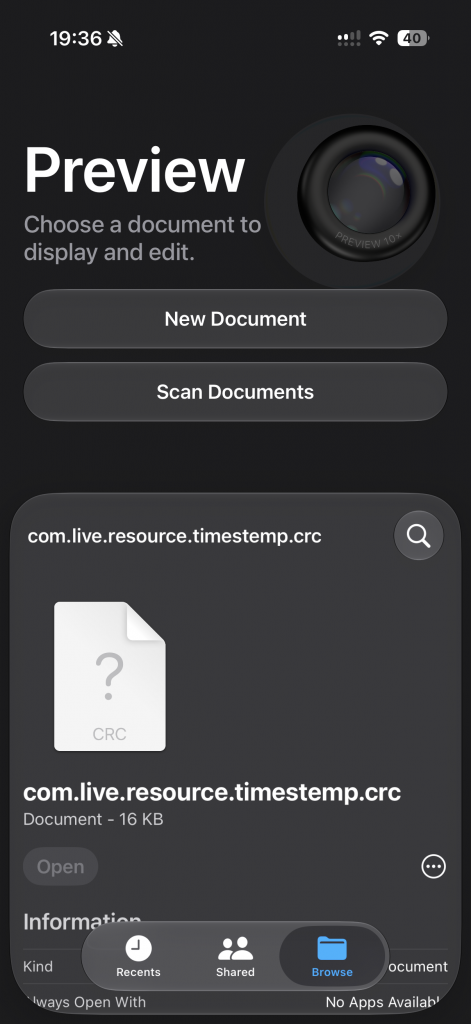
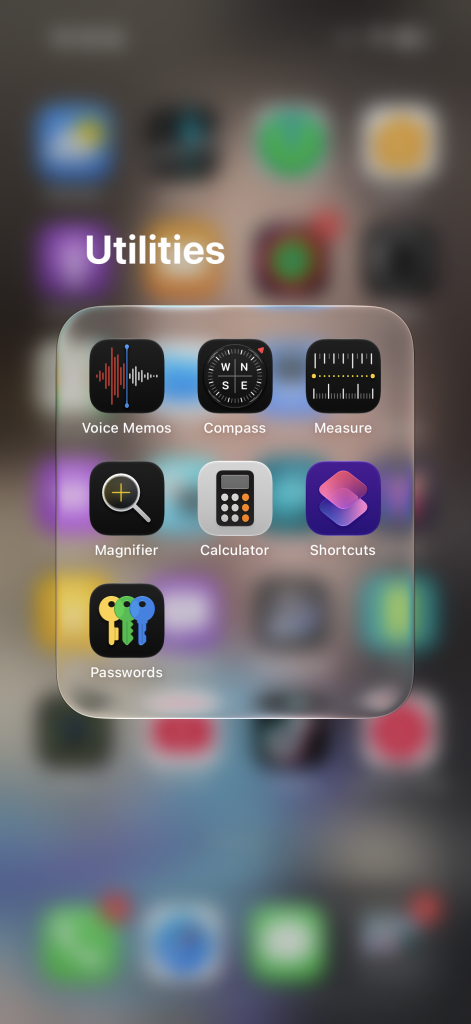
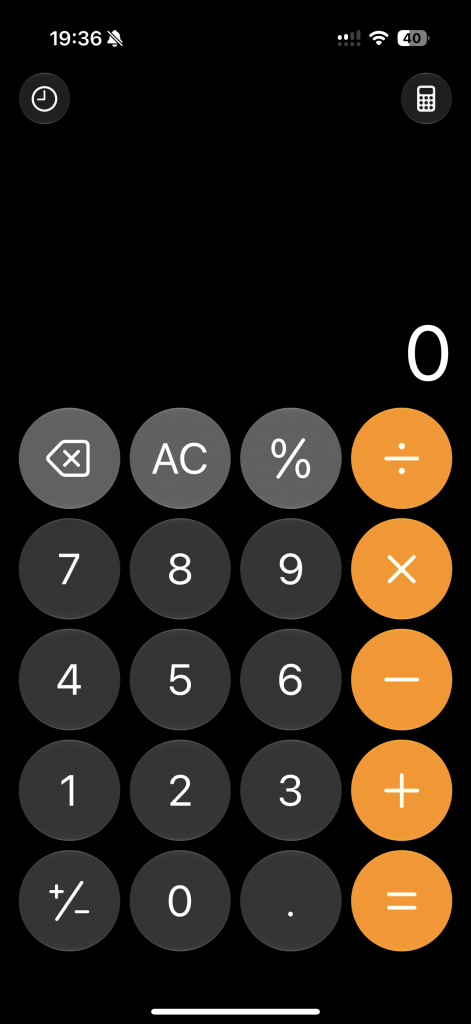
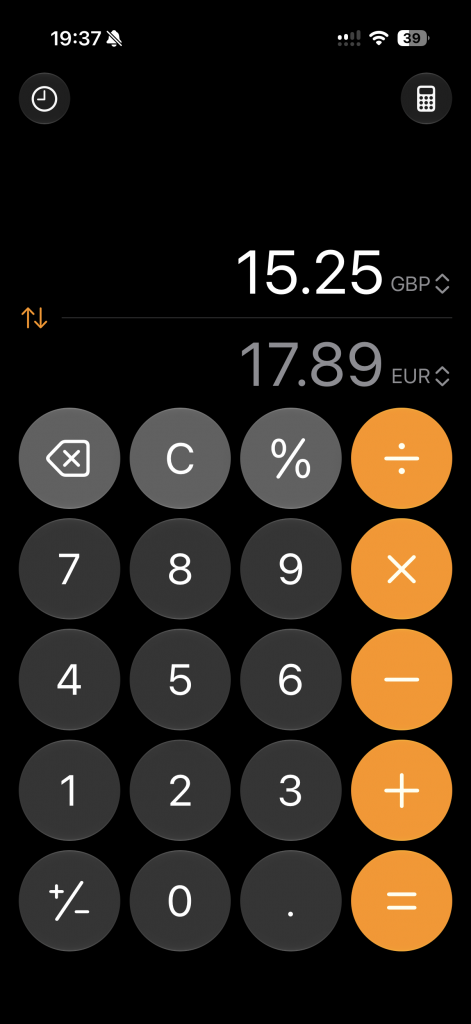
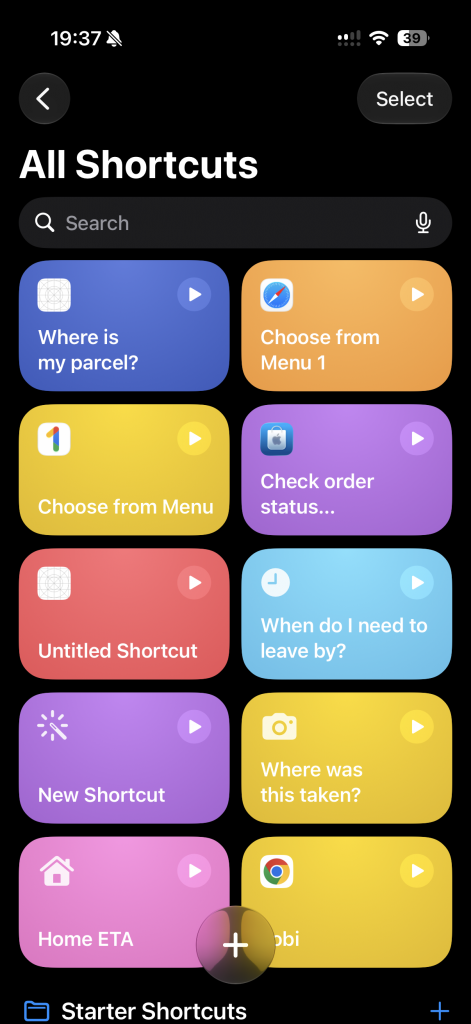
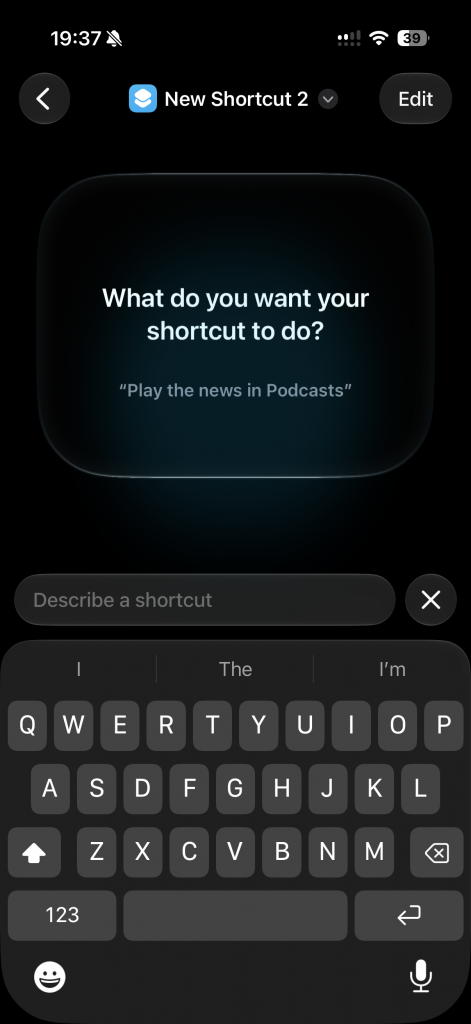
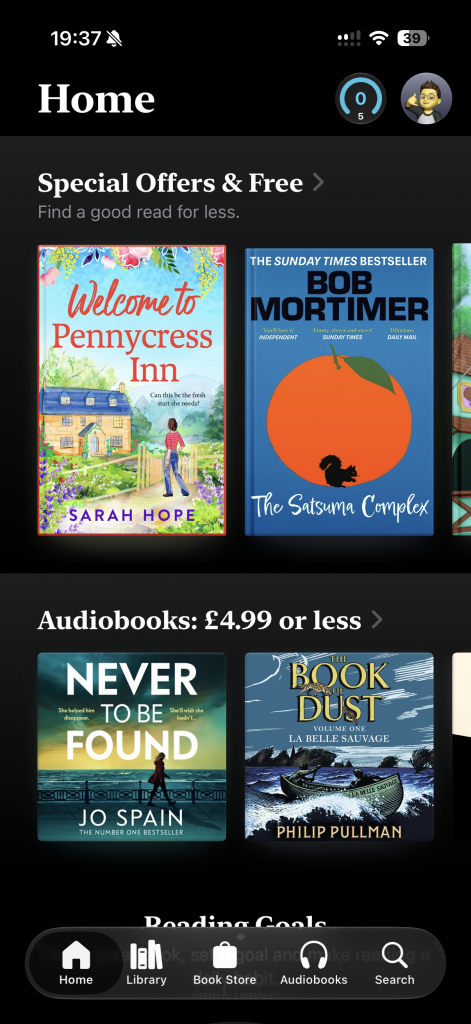
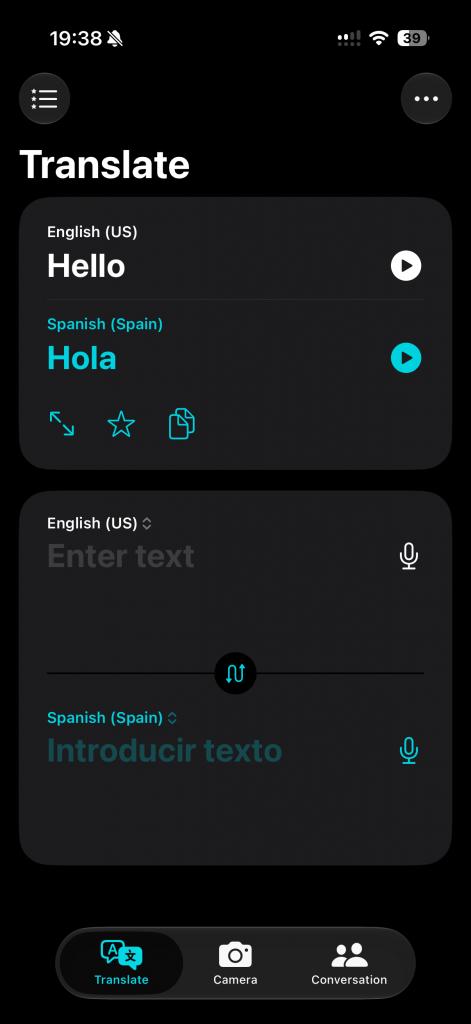
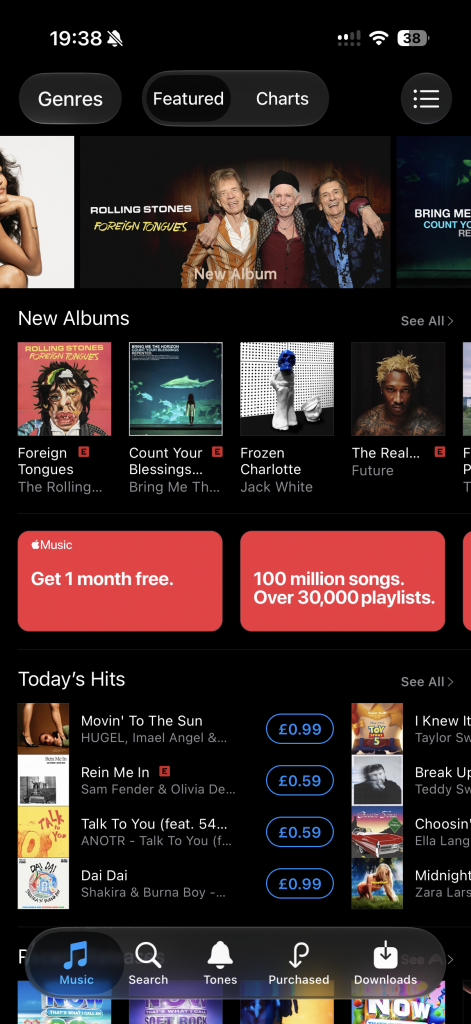
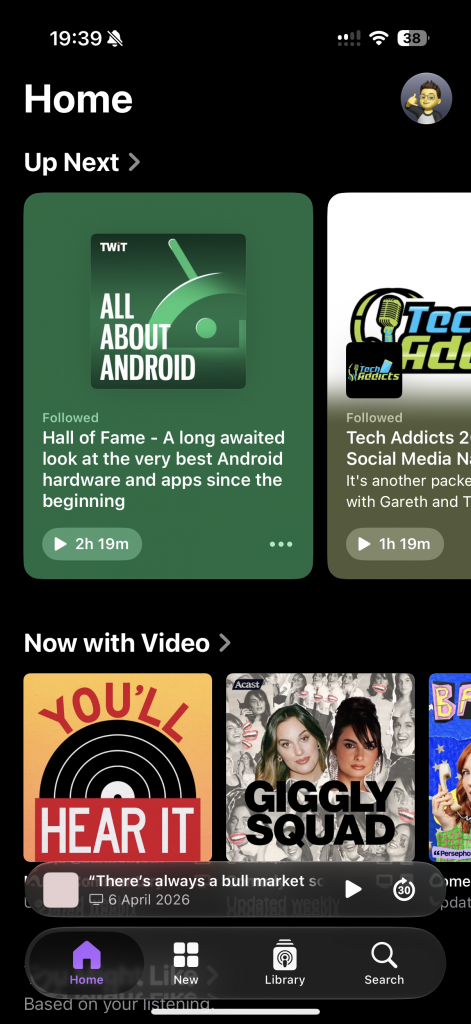
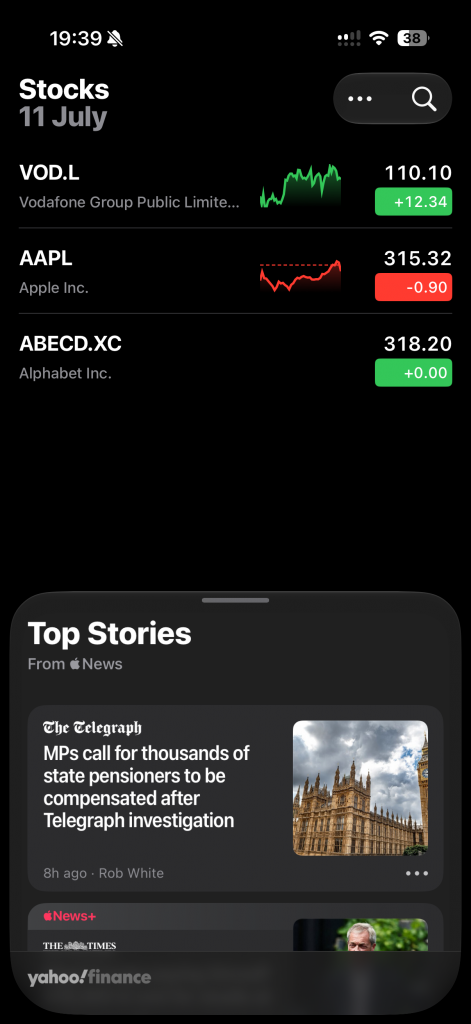
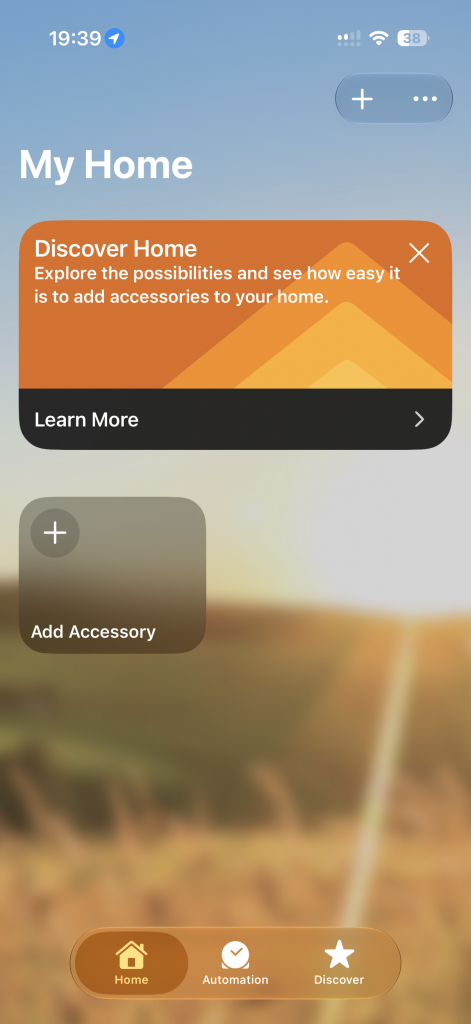
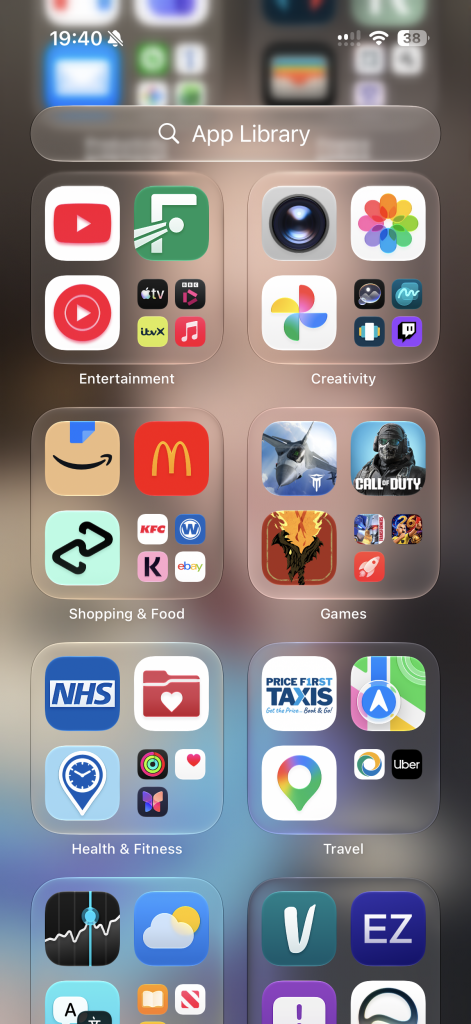
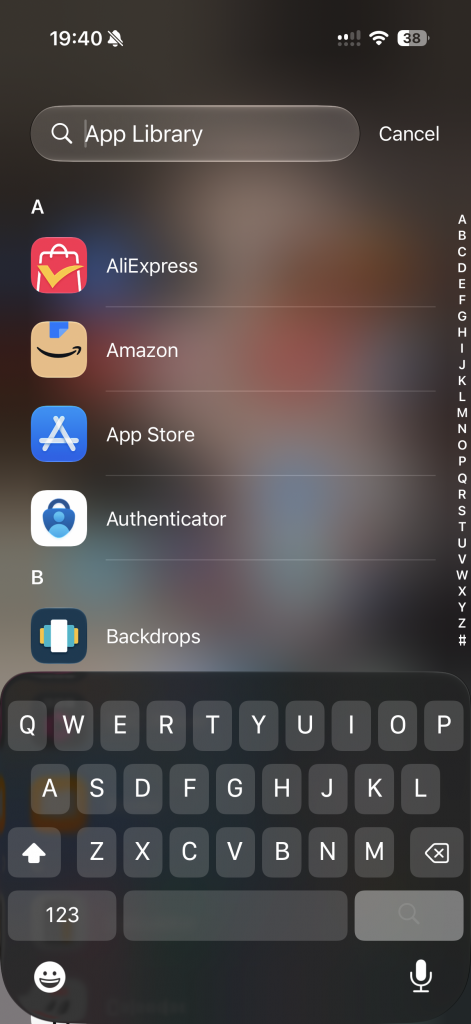
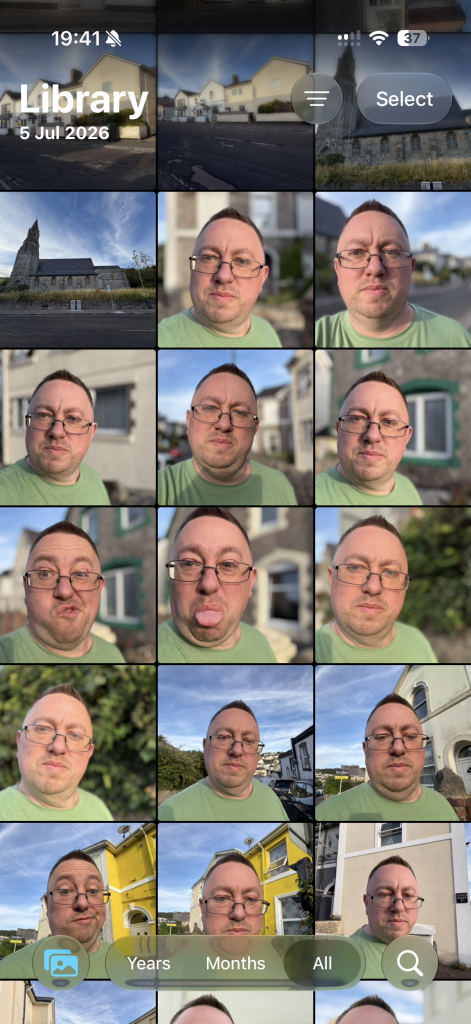
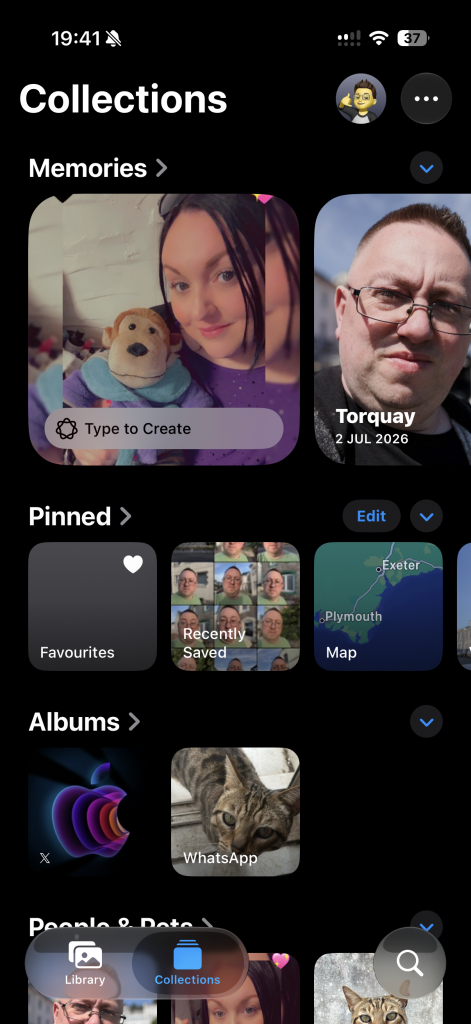
Something to point out at the start here is that I installed the iOS27 Developer Beta and have been running Beta 1, Beta 2 and then Beta 3 so not the standard iOS26 that is available. The information given is not based on any bugs that a developer version may have, I have just covered features you can expect to see once this becomes available in September 2026
The software installed on the iPhone 17 out of the box at time of writing this review is iOS 26, however, a major part of the software promoted at WWDC for the new iPhone was their new Siri AI and this we will finally get on the next version of iOS called iOS27 due in September 2026.
After installing the developer version of iOS27 you get the new version of Siri and AI features that are helped by Google Gemini models to make the new assistant much better and smarter and it is noticeable how much better this new version is and will be great to see when fully rolled out and everyone gets their hands on it to try for themselves.
Apple let you customize the lock screen with widgets as well as customizing the background to allow depth. This means if you have any portrait photos on your phone you can now put this as your wallpaper and have the clock appear behind. It almost like a 3D effect, which is nice to have as long as it doesn’t cut off too much of the clock, but it does at least have some interactivity and some customization of the iPhone which users have been wanting for years.
With Apple Intelligence on the iPhone 17 you can do many things such as highlight some text you are writing and change the tone so you can make your content more friendly, more professional and change any bits that it highlights would be best to replace.
As well as writing tools you get the additions to using the camera called Visual Intelligence, this lets you find out more about the objects you are looking at or even add something into your calendar if it includes a date, for example a meeting or concert.
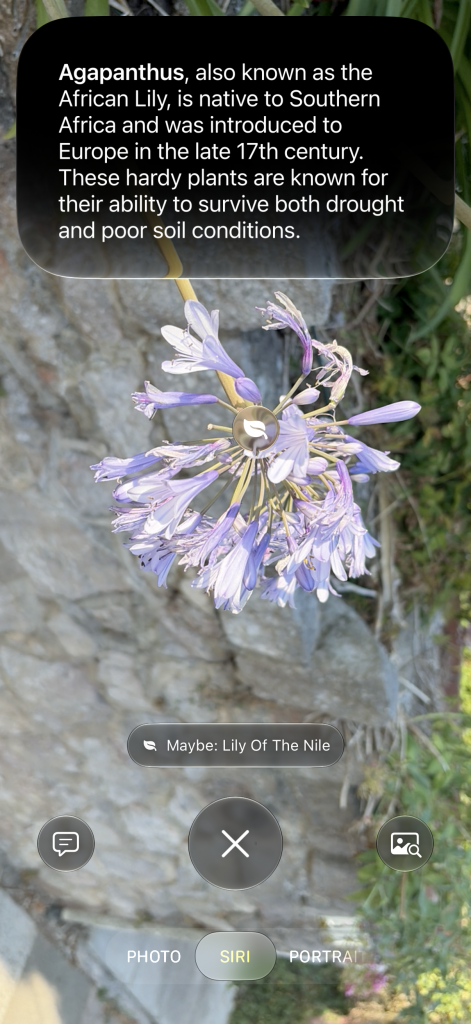
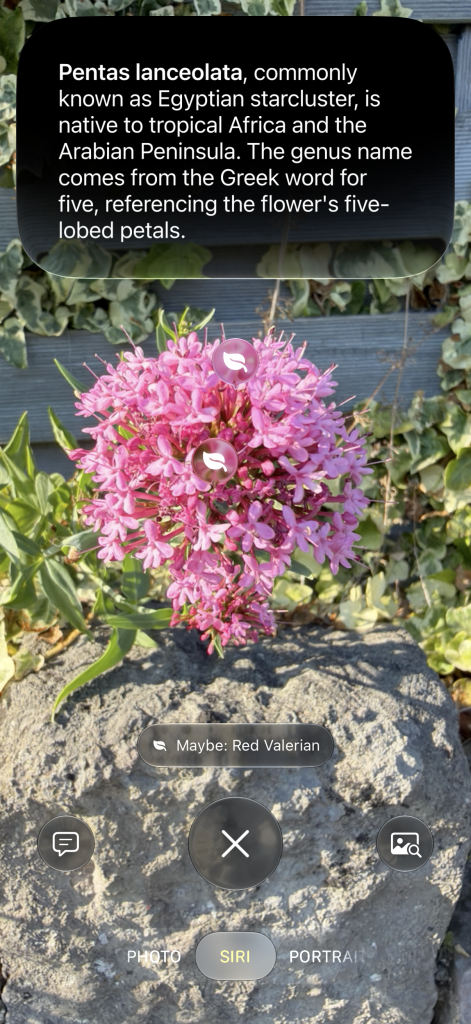

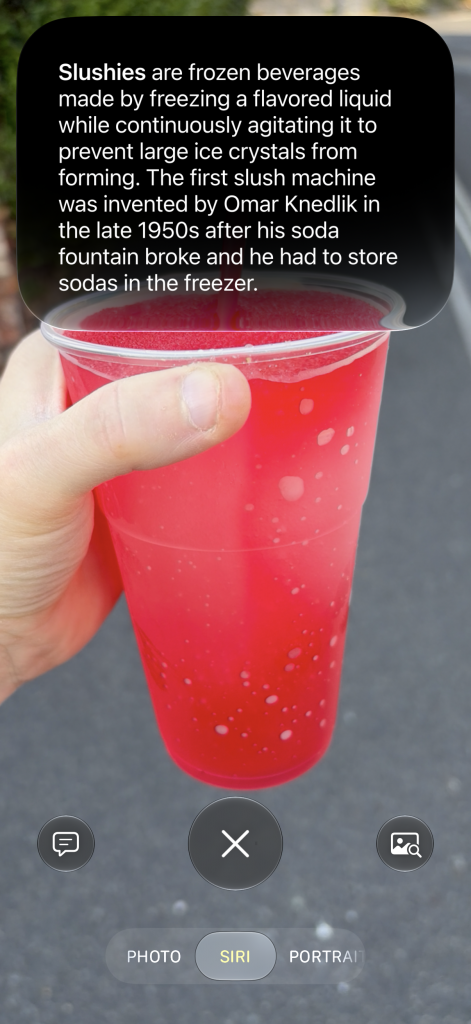
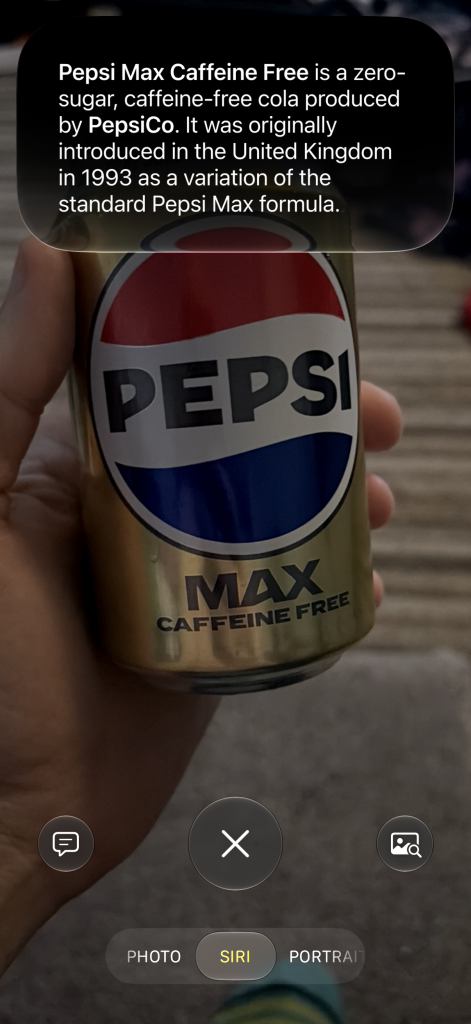

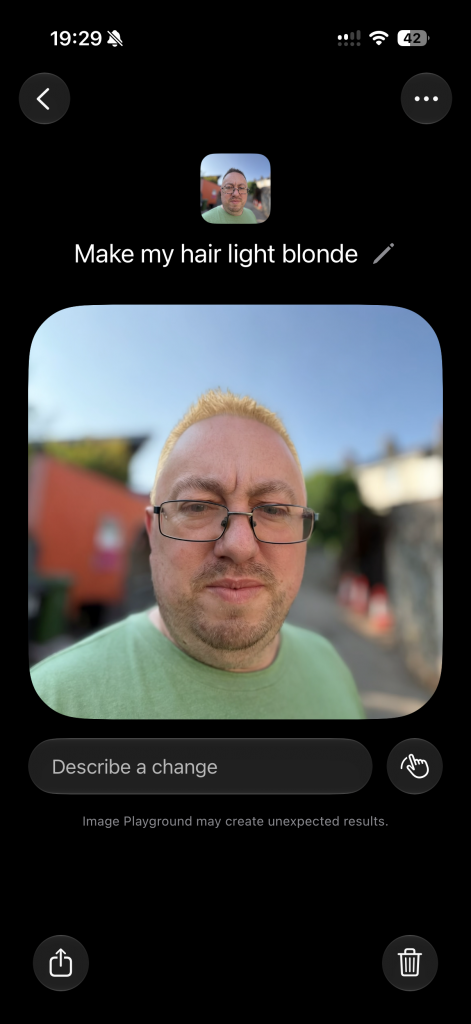
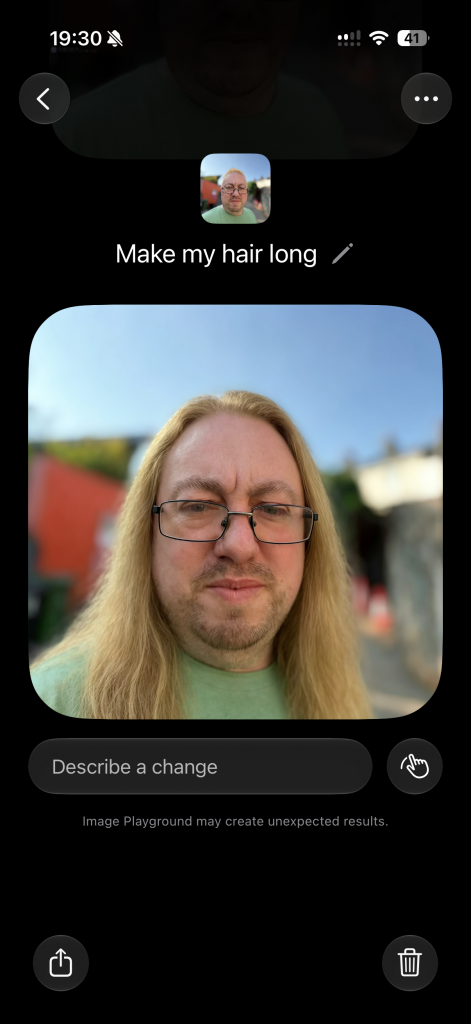
There is a lot to cover about iOS26 and in the future iOS27 so here are some of the key things to look out for
- Translucent Interface: The system moves away from flat design in favor of Liquid Glass, introducing fluid, translucent UI components that dynamically refract light and react to motion and user interaction.
- 3D Spatial Lock Screen: Lock Screen wallpapers gain an interactive depth effect that responds as you tilt your iPhone, while clock elements automatically scale around subjects in your photos.
- Clear Icon Theme: Alongside Light, Dark, and Tinted modes, a Clear theme gives Home Screen app icons a glass-like aesthetic.
- Screen Visual Intelligence: Pressing the shortcut capture buttons lets you highlight, search, or query anything visible on your screen via ChatGPT or web search engines.
- Live System Translation: Enables real-time spoken and text translation across Phone calls, FaceTime captions, Messages, and AirPods.
- Genmoji & Image Generation: Allows users to combine multiple existing emojis into new expressions or generate dynamic custom backgrounds for Messages threads.
- Call Screening: Live transcribes unknown callers in real-time so you can view their intent before deciding to answer or decline.
- Hold Assist: Stays on hold during customer service calls on your behalf and sends an alert when a human agent joins the line.
- Interactive Messages Polls: Enables users to create and vote on live polls directly inside group text threads.
Performance
Performance is one of the key areas you’ll never have to worry about, especially with one of the top of the range iPhones this year and the impressive Apple Silicon they use to power them, Apple have been ahead of many of the competition for many years with their own silicon technology and often out perform a lot of the competition thanks to their optimisation between software and hardware.
With performance you get the custom made Apple A19 chip which is really powerful for a smartphone in day to day tasks, but is not the top of the line, instead the Apple A19 Pro sits in the iPhone 17 Pro, Pro Max and Air if you want a Pro performance processor, but for most people the A19 is so good for daily use you really won’t notice a difference for normal tasks.
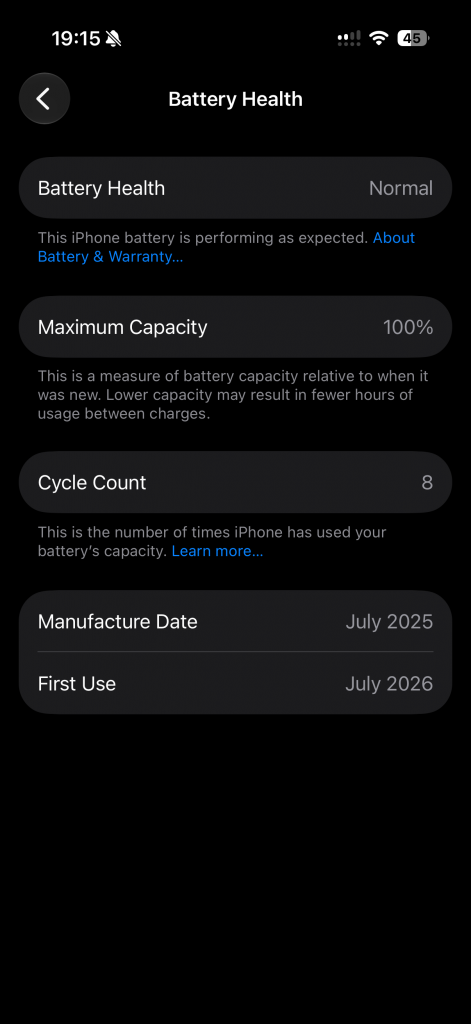
When it comes to the battery you get a 3692mAh non-removable cell which on paper might seem quite low in numbers considering some of the competition have even up to 7000mAh capacity batteries, but Apple do a great job with optimising, especially as they make all the hardware and software themselves so they can get the best out of every bit possible.
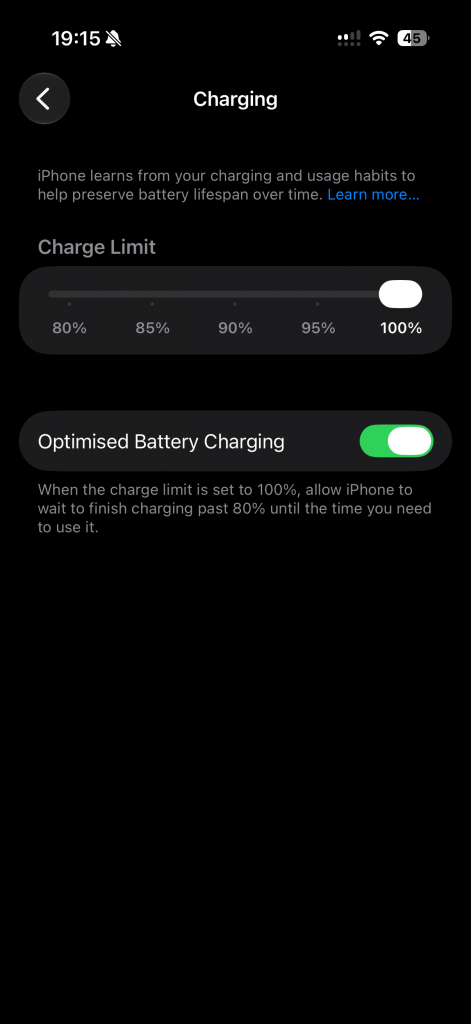
Charging speeds are quick by Apple standards offering 40W wired charging using the USB-C standard and if your charger offers such speeds, and you get Wireless charging too at 25W with Qi2 charging or using the apple Magsafe standard which has been round for years now.
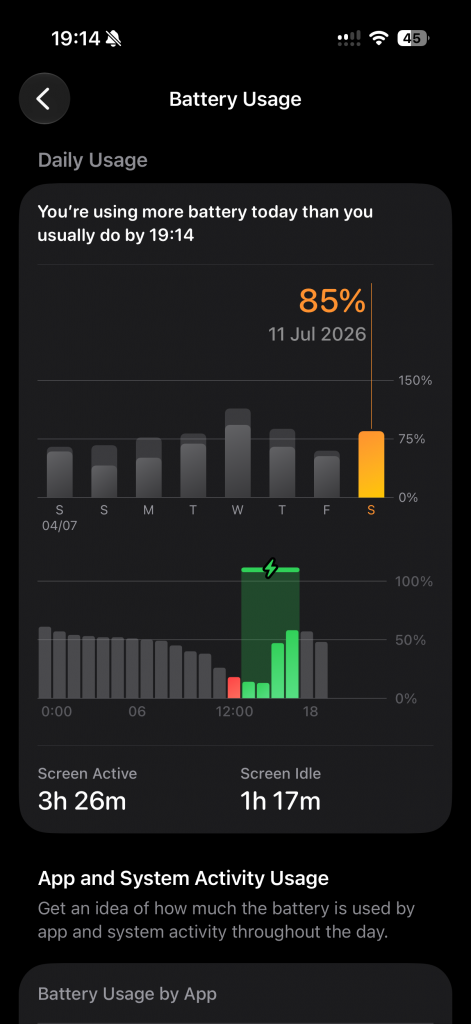
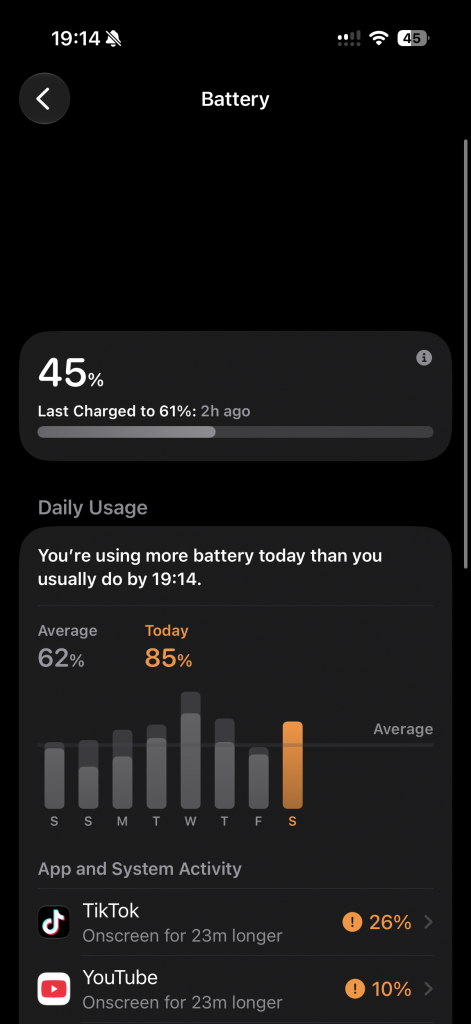
I was easily able to get through a full day even with quite heavy use and the screen doing some 120hz gaming and watching plenty of videos back on various streaming services.
Storage wise you get an option of 256GB or 512GB which is non-expandable. Normally the non-Pro models comes with a lower amount of storage, this is the first time an iPhone has launched a standard model with the same amount of storage that a Pro model gets.
Of course you do also have the option of iCloud storage to expand the memory if needed, but as is most common these days no actual expandable storage but Apple have never had that so this is is not anything new.
The iPhone 17 comes with 8GB of RAM which is plenty enough when it comes to heavy multitasking and playing graphic heavy games, again due to Apple’s optimization of their software and hardware.
8GB is also the minimum requirement for a device to use Apple Intelligence their fancy AI technology, however worth pointing out for someone who plans to keep for many years, whilst the 8GB is enough for Apple Inteligance and the new Siri, it is not enough for the FULL version of the new Siri AI which wants at least an iPhone 17 Pro/Max, iPhone Air or one of the newer 18 models when they come out due to them having 12GB or RAM which is needed for the additional workload.
Networking-wise, you get all the usual flagship smartphone features like Bluetooth and NFC for contactless payments. Wi-Fi is included, including Wi-Fi 7, and for faster performance, it supports 2G, 3G, 4G and 5G. I experienced 5G speeds of up to 400 megabits per second in certain locations, which is fantastic for a wireless connection. This allowed me to work on the go without being tethered to a wired connection at home or in the office.
Camera
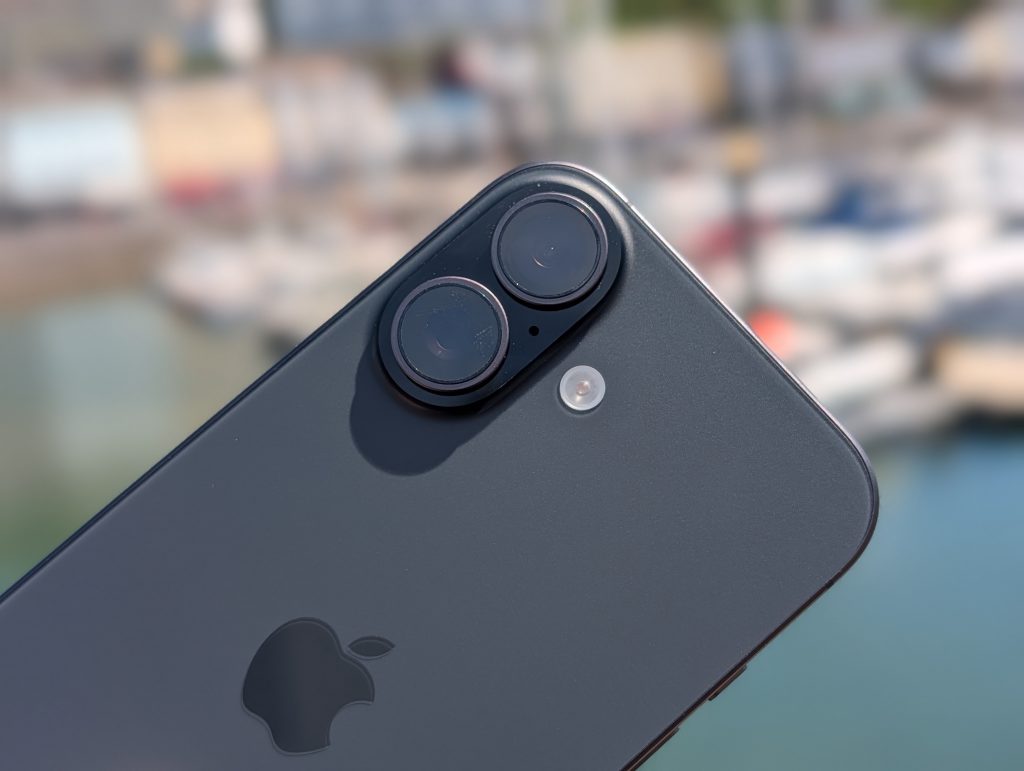
Cameras on an iPhone have been something they standing out for for many years and this year is no different especially with their background in offering some of the best point and shoot mobile cameras on the market over the years.
The main camera has dual pixels technology, this means you get the choice to capture in both 24 megapixels and 12 megapixels with a lot of detail, the 24 megapixel option seems to be the best overall and is the one I would suggest using most of the time.
You can however get the full 48 megapixel if you switch on the RAW option in the settings.
This obviously takes up much more storage. So if you are into your RAW photography, maybe look at getting the higher option for storage or at least opt for iCloud storage, thankfully the iPhone 17 now starts with 256GB of built in storage instead of 128GB they used to start from.

As well as the normal camera you use, you also get the wide angle option too which captures great detail and contrast when used in sunny conditions, it also works well in night mode although not as good as the main camera but this is to be expected.















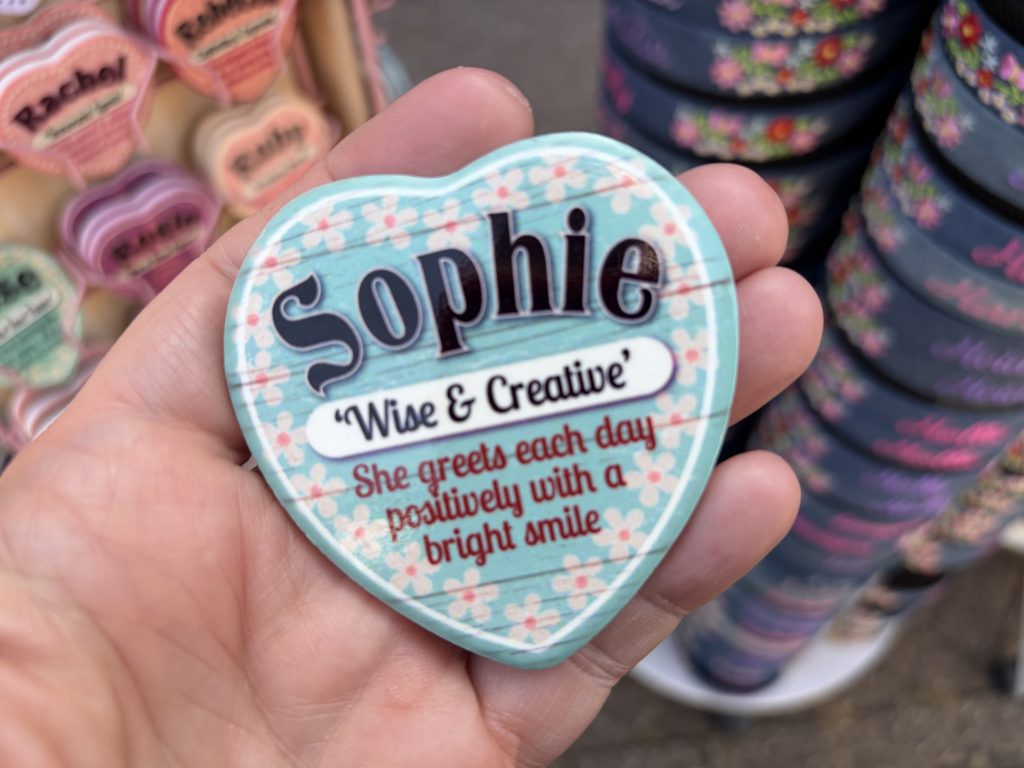























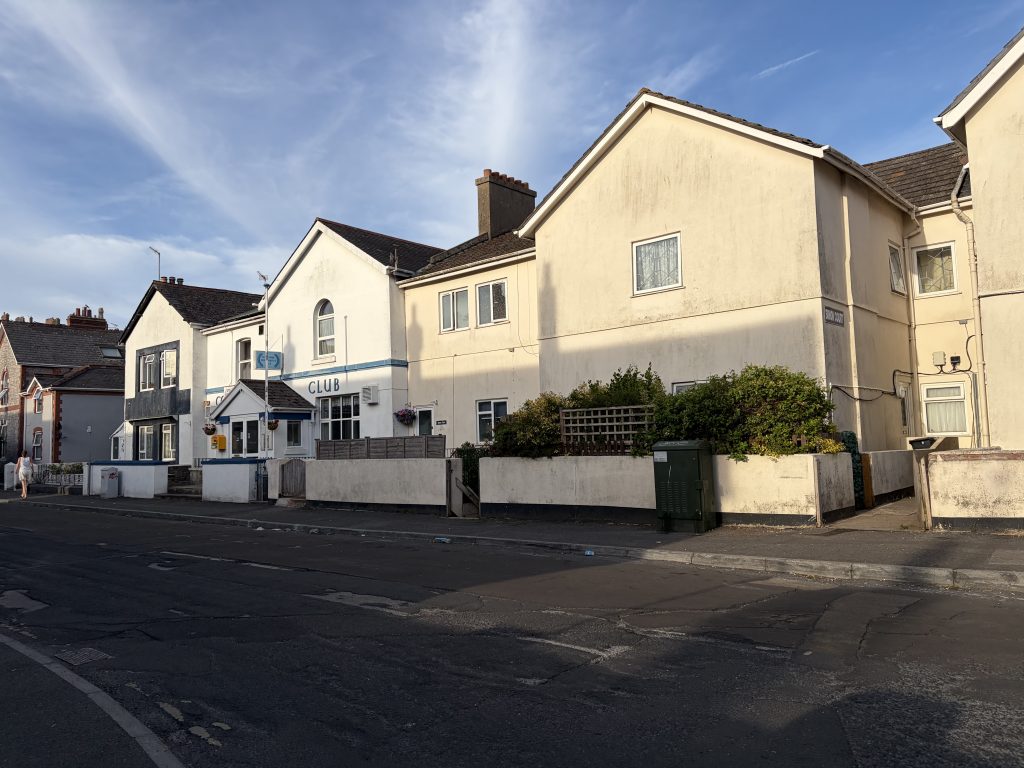
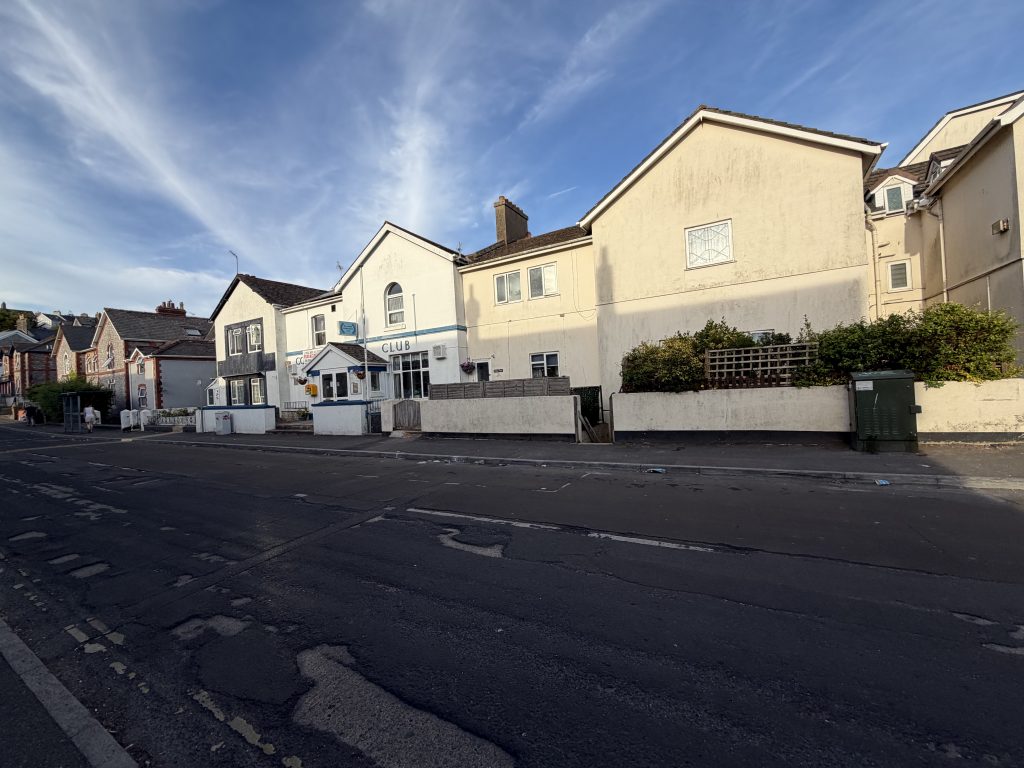






















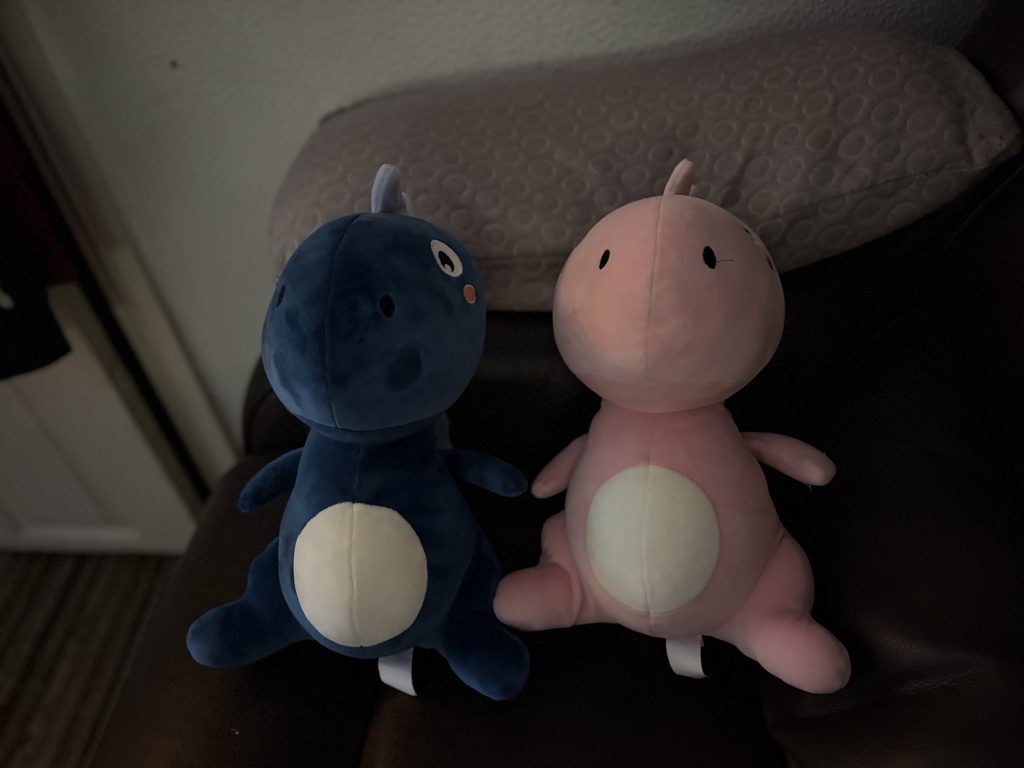





The cameras as you expect off Apple is fantastic quality in all lighting conditions, as you’ll see by some of my sample photos, some of them are in daylight and some of them were in very cloudy conditions. But the phone does a lot of the work itself in a split second and gives you overall fantastic photos 99% of the time.
As mentioned before, the quality is fantastic as it has been for many years and it’s great for anyone who likes to video blog on the move or do lots of video calls.
The front facing camera is also very good offering 18 megapixels and 4K video recording housed in the dynamic island however this time you get something a little different from older models.
Apple have gone with a new square sensor for the front facing camera, and this simple change allows you to hold the phone in portrait mode yet still capture wider landscape photos which you used to have to hold your phone sideways for.
This change is great for anyone out there who captures a lot of selfies or group photos, and also anyone who is into vlogging on the move as the design is far more comfortable to hold yet get the same high quality wide footage.



















































Main video on the back camera is up to 4K resolution at 60 frames a second and as mentioned before, you’re not be let down by the quality of this camera. It is absolutely fantastic for video recording easily one of the best on the market and is an area Apple are well known for performing well in.
Final Thoughts
It’s been about 10 months since the iPhone 17 series was launched, so I’ve been able to look at public opinion and gain their thoughts as well as give my own after having some of my hands on time with it, also I left it later on because it allowed the Apple Intelegence features to be more polished and and bugs worked out, and Apple very rarely lose value in their devices so what an iPhone 17 cost at launch it still costs today,
I really enjoyed my time with the iPhone 17.
I usually prefer larger phones, especially for media consumption like watching Netflix or other videos. However, a slightly smaller phone in my pocket surprisingly offered advantages and I enjoyed it more than I expected.
It will really come down to if you prefer a bigger phone or not.
If you do then the iPhone 17 Pro Max or iPhone Air are the clear winners for you with its larger display, however, if you want a smaller phone and don’t mind missing out on the telephoto camera, the iPhone 17 has to be one of the best buys oo the market right now with what value you get with it.
Another question to consider is whether you truly need a Pro phone over the standard model, and this year more so than ever the gap between models is very slim.
Overall though I would say that in this size the iPhone 17 is the best phone they’ve ever made.
It offers fantastic set of cameras, both front-facing and rear facing, plenty of storage options, a great screen at 120hz refresh rate which is great for gaming and a smooth user interface which Apple uses will have grown to love over the years and it just gets better and better over time.
A big thanks once again for Vodafone for supplying the iPhone 17 for me to do this review.